
LUTs for Canon C-Log2 & C-Log3
Cinematic Color for Your Canon.
Instantly. Accurately. Effortlessly.
Arch Pro is a precision-tuned LOG to REC709 LUT system built specifically for Canon C-Series and R-Series cameras. The base set includes a Natural LUT along with Filmic and Vibrant character LUTs—each one uniquely matched to your camera’s sensor and LOG profile. This isn’t one-size-fits-all, it’s one-for-each, engineered for color that just works.
Want more? The Plus and Premium Bundles unlock stylized Film Looks and DaVinci Wide Gamut support for Resolve users.




Not a Magic Bullet... But Pretty Close.
Whether you’re a filmmaker, YouTuber, or weekend warrior, if you're working with the R6, R5, or even the C500, this is the fastest way to make it shine. Arch Pro enhances highlight rolloff, improves skin tone, and just looks good.
Monitoring LUTs for Canon: get the look in-camera
Import Arch Pro LUTs right into your camera to preview the colors live — great for livestreams, fast turnarounds, or video village. Burn it in if you want. Shoot LOG and tweak later if you don’t.

Arch Pro color science you can build upon
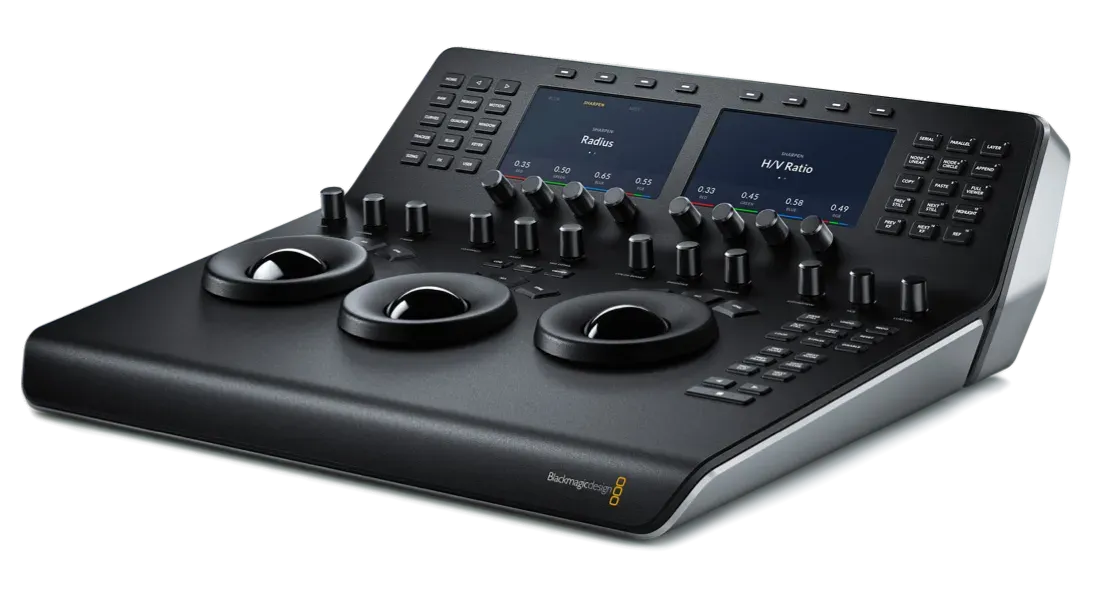
Create a cohesive cinematic look without obsessing over complex node trees. Whether you’re cutting a music video or a doc on a deadline, these LUTs hold their own — and still play nice with secondary grading and effects.

Go beyond with Plus
Arch Pro Plus adds 12 pre-built Film Looks that range from elegant monochromes to punchy stylization. Everything from a Black & White so classy it’d make Fred Astaire jump for joy to a Teal & Orange that could coax a single tear down Michael Bay’s cheek.

DaVinci Wide Gamut for serious colorists
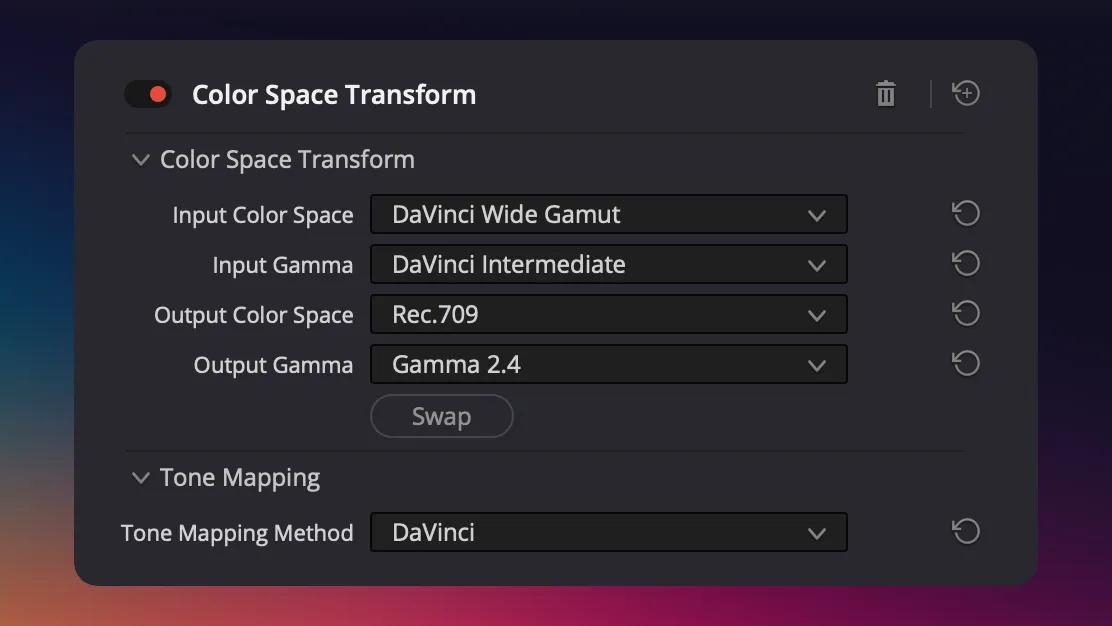
Arch Pro Premium unlocks a secret weapon: DaVinci Wide Gamut support. No Rec709 bakes. No locked-in looks. Just a clean, accurate conversion into DaVinci’s modern color space — built for real post workflows and future-proof grades.

From C-Log to Rec709 with Arch Pro
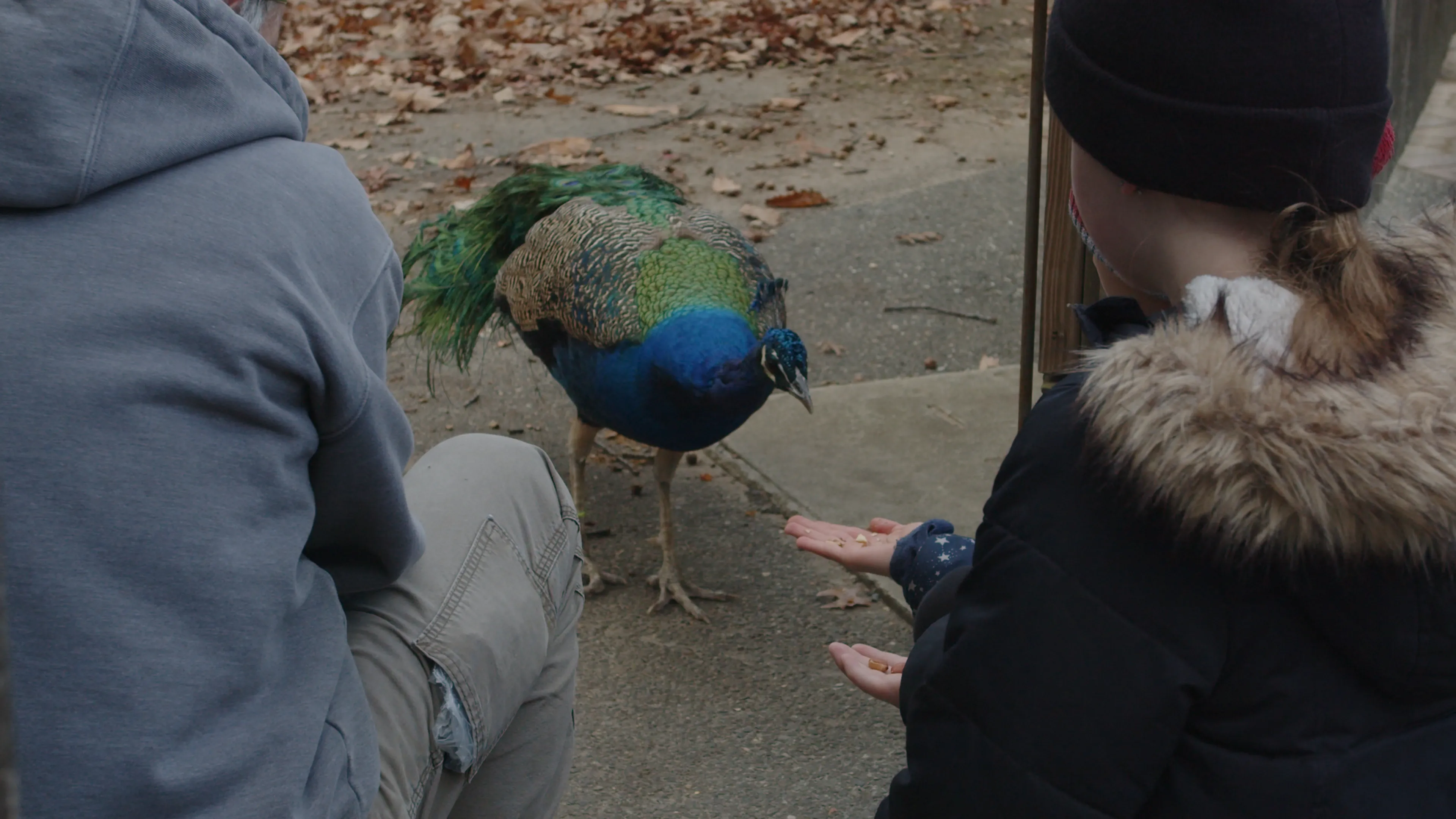
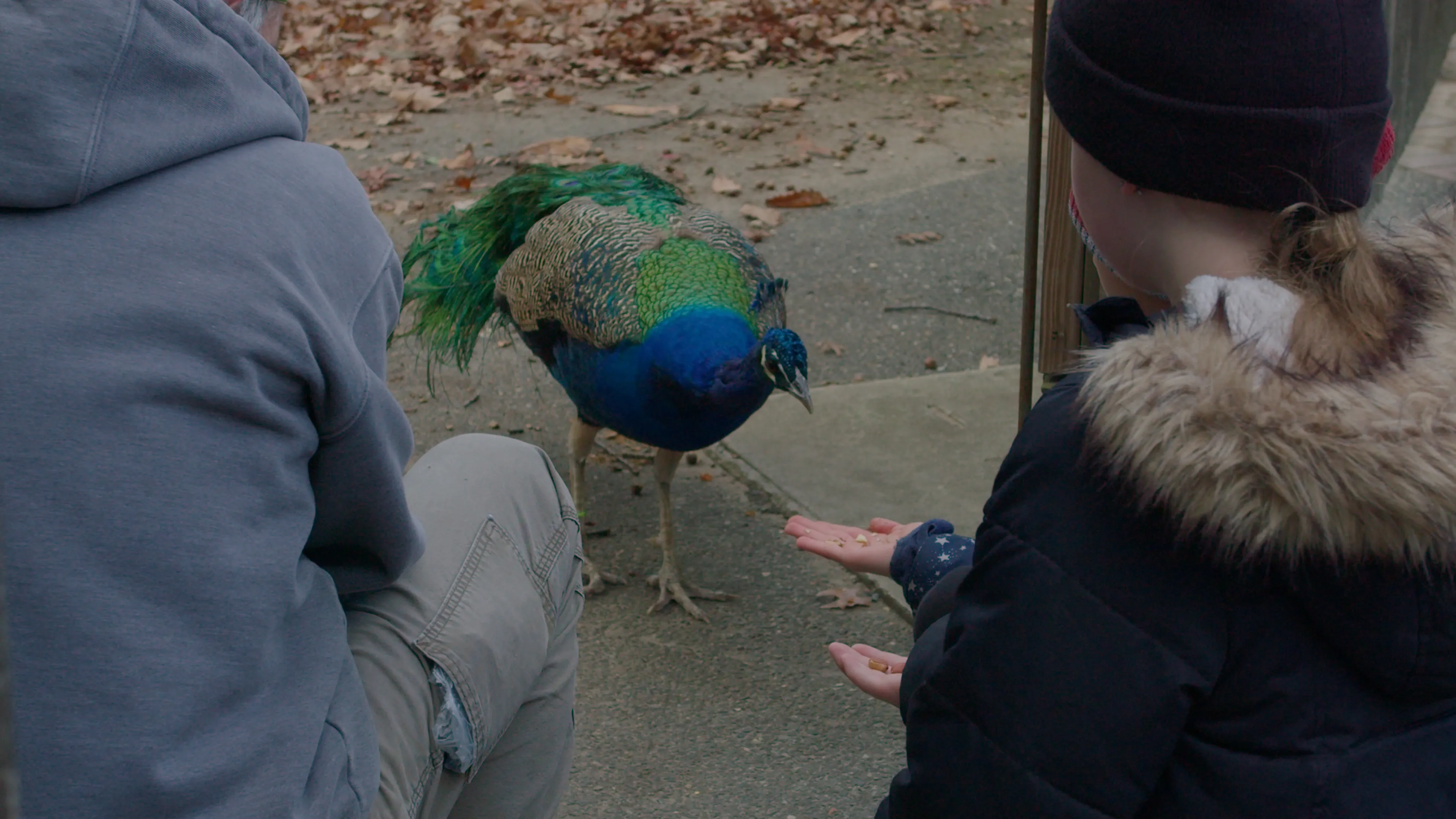
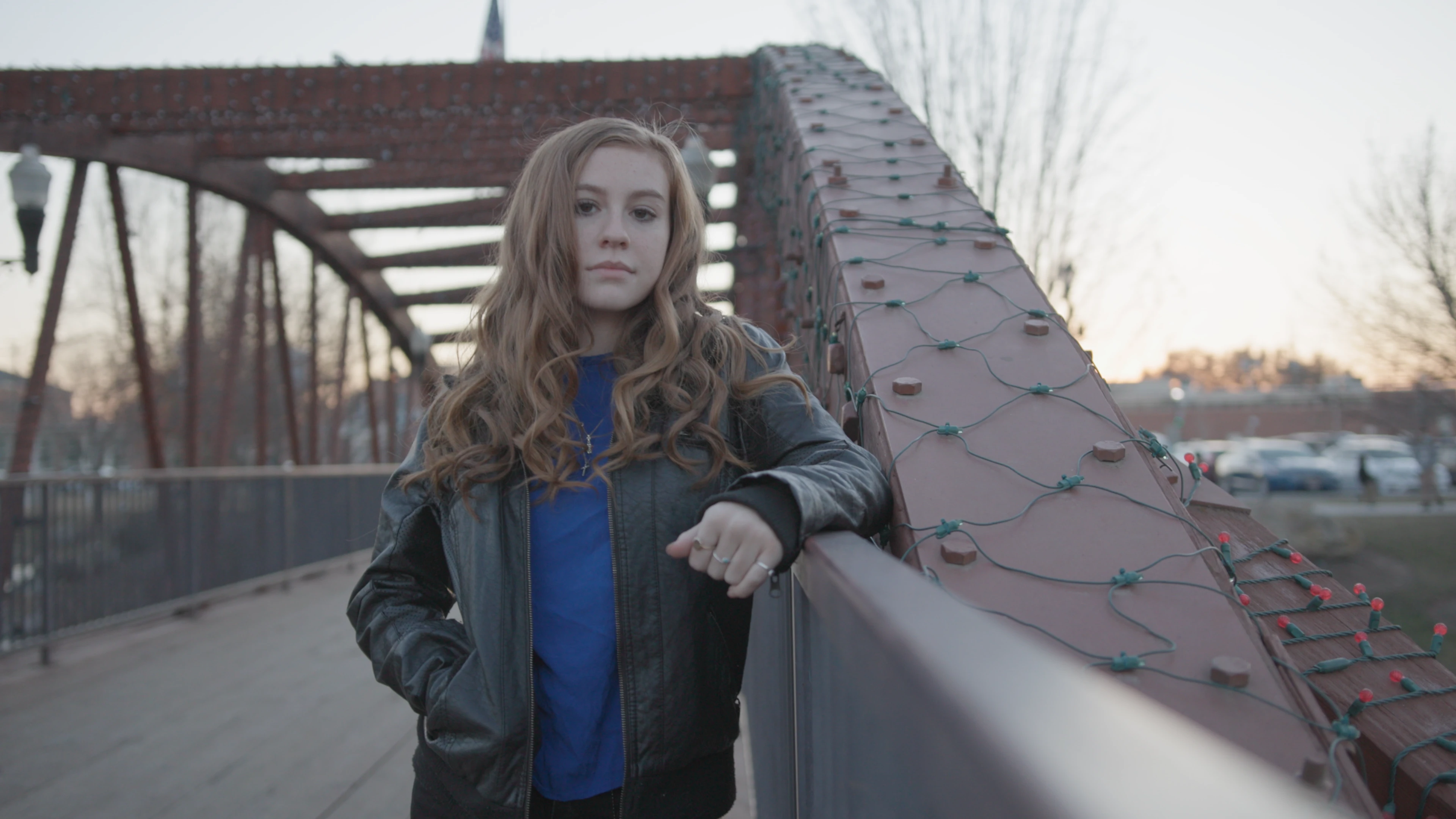
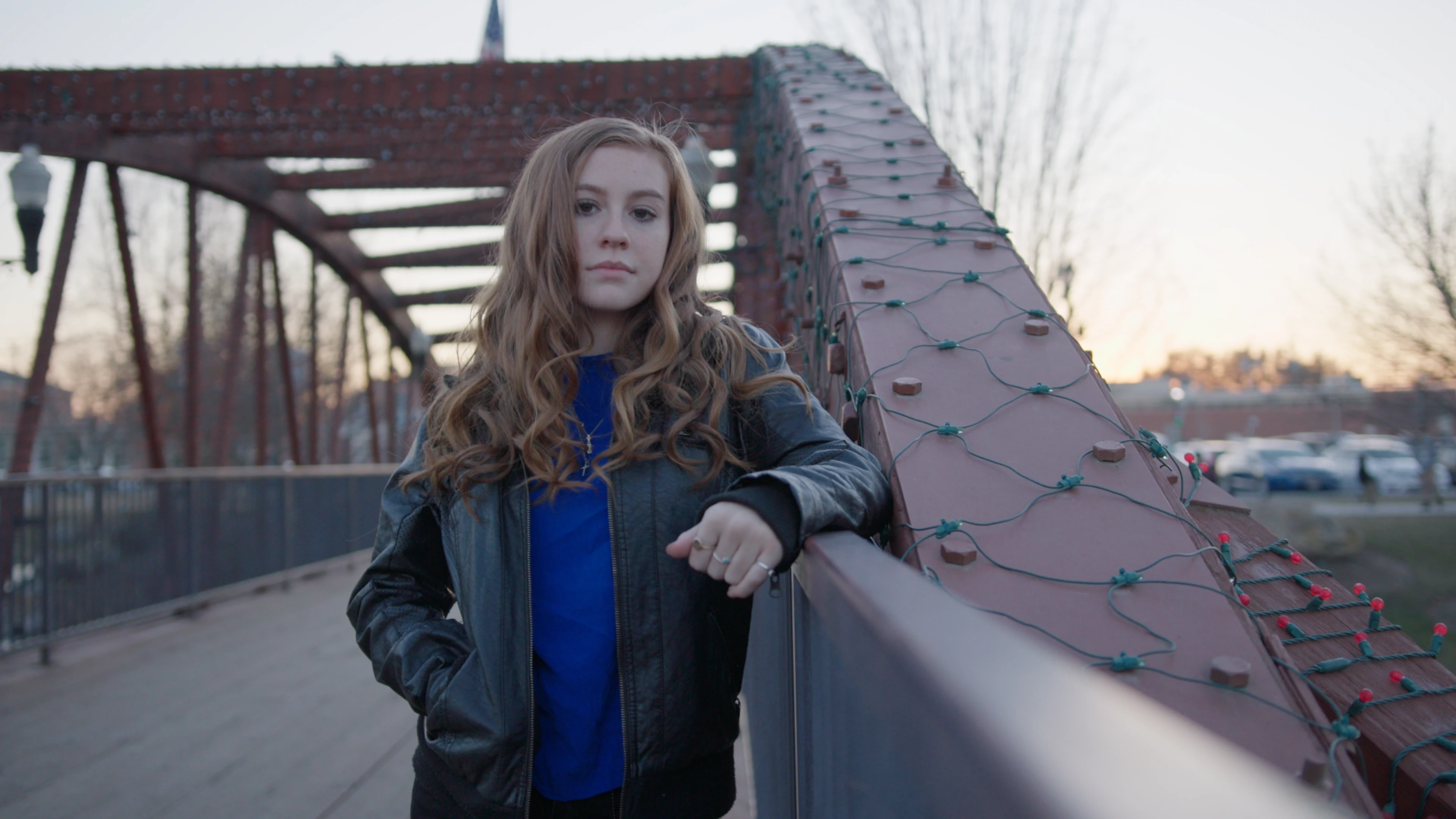
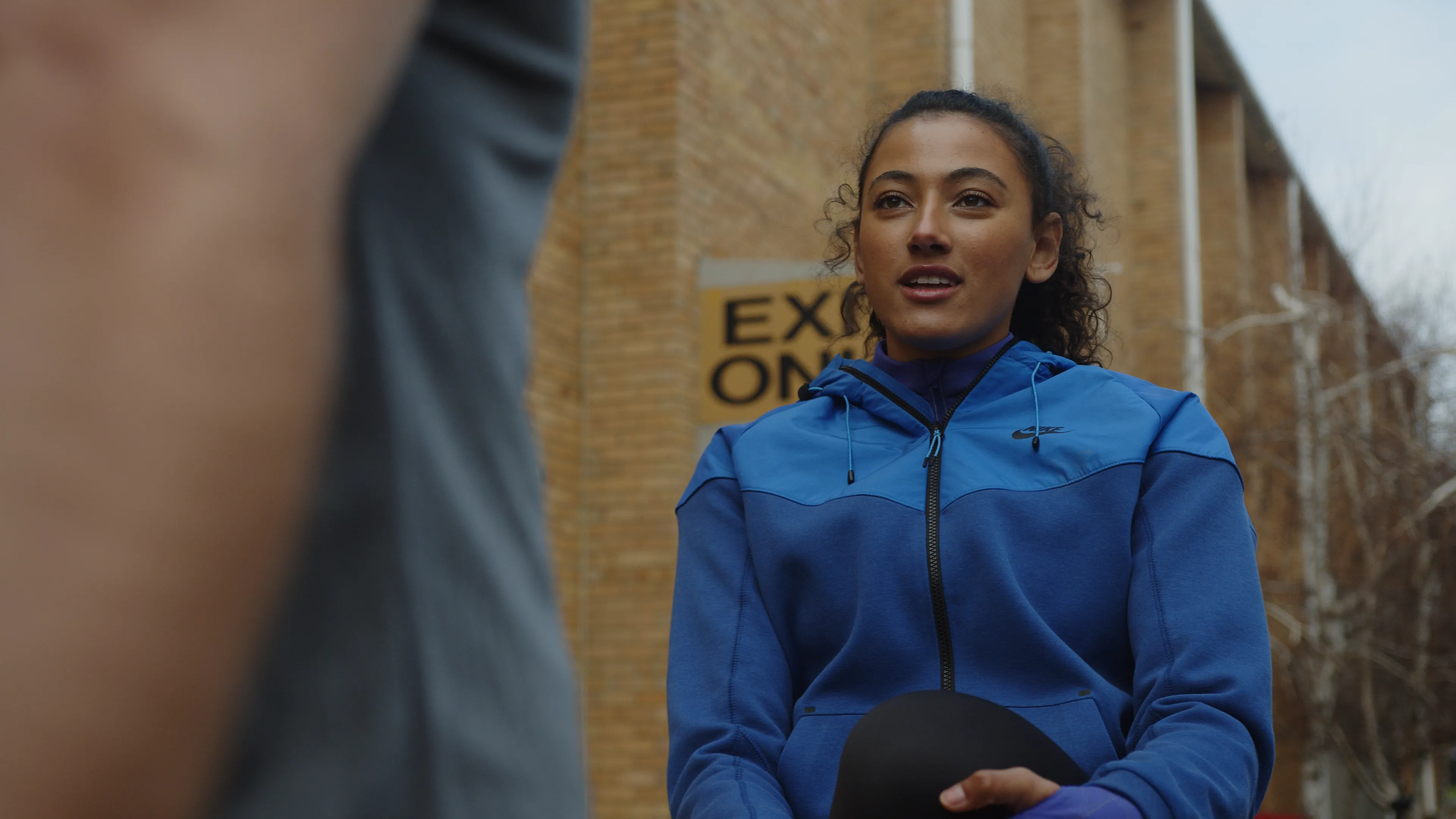
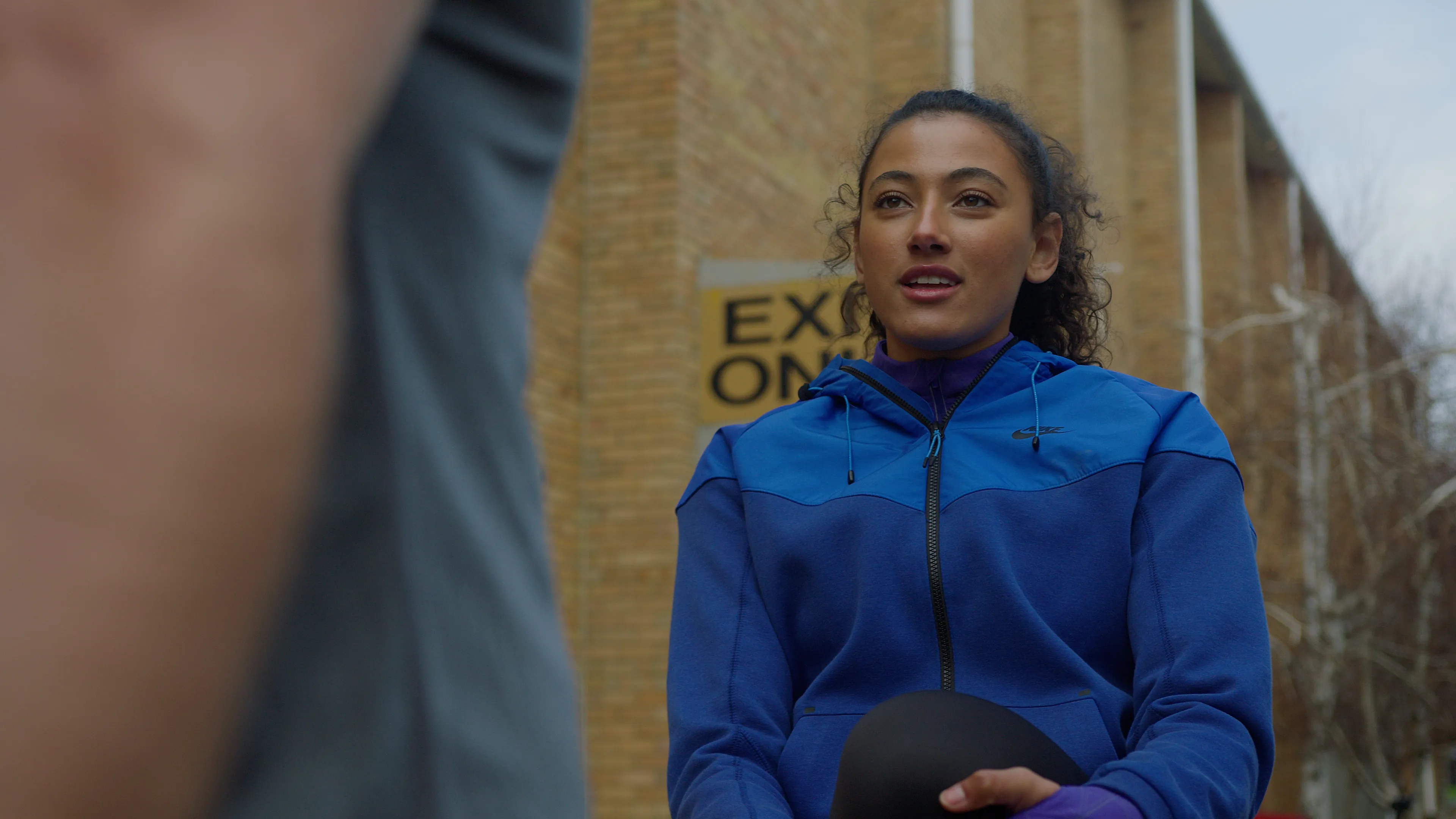
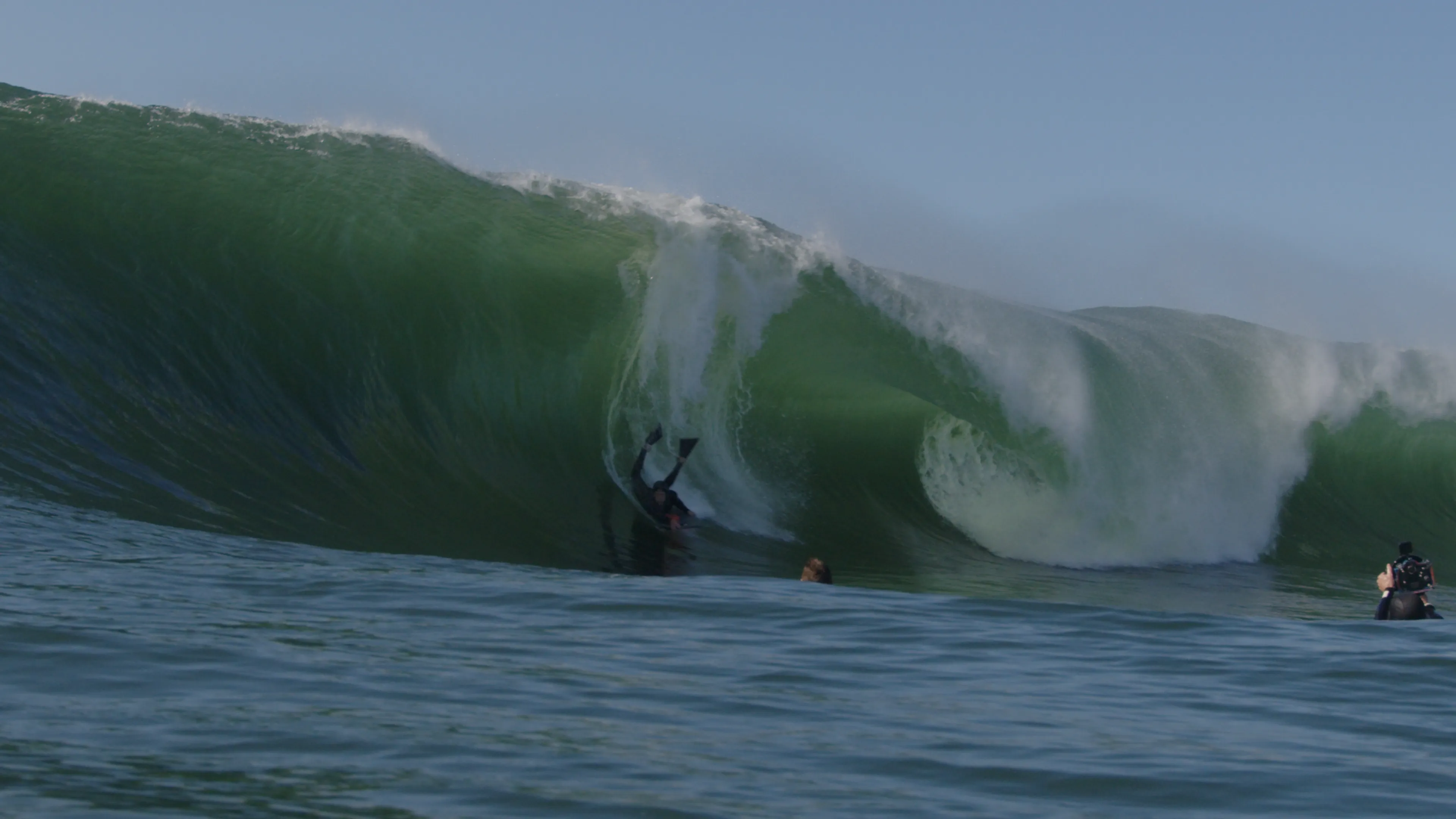
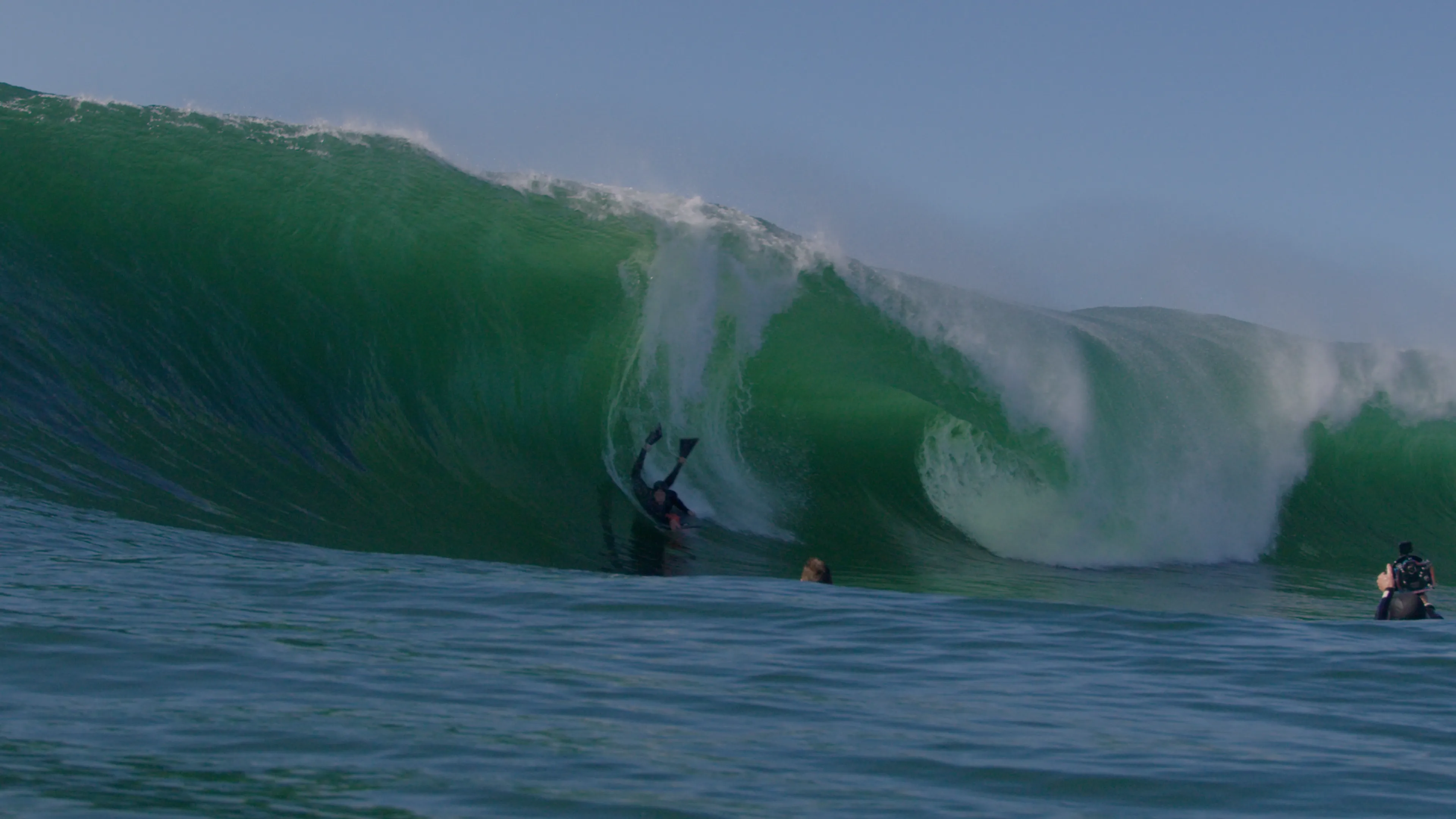
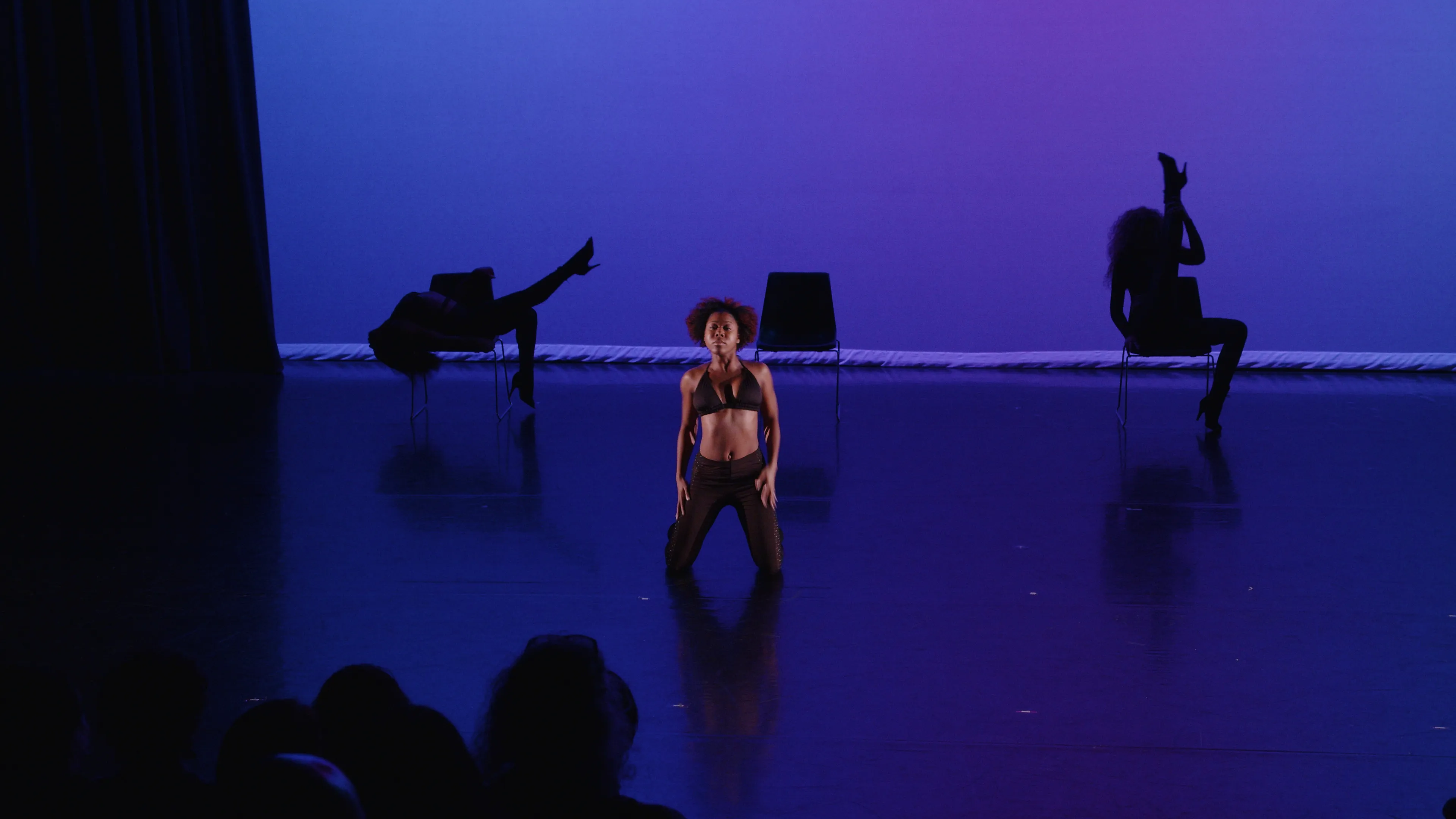
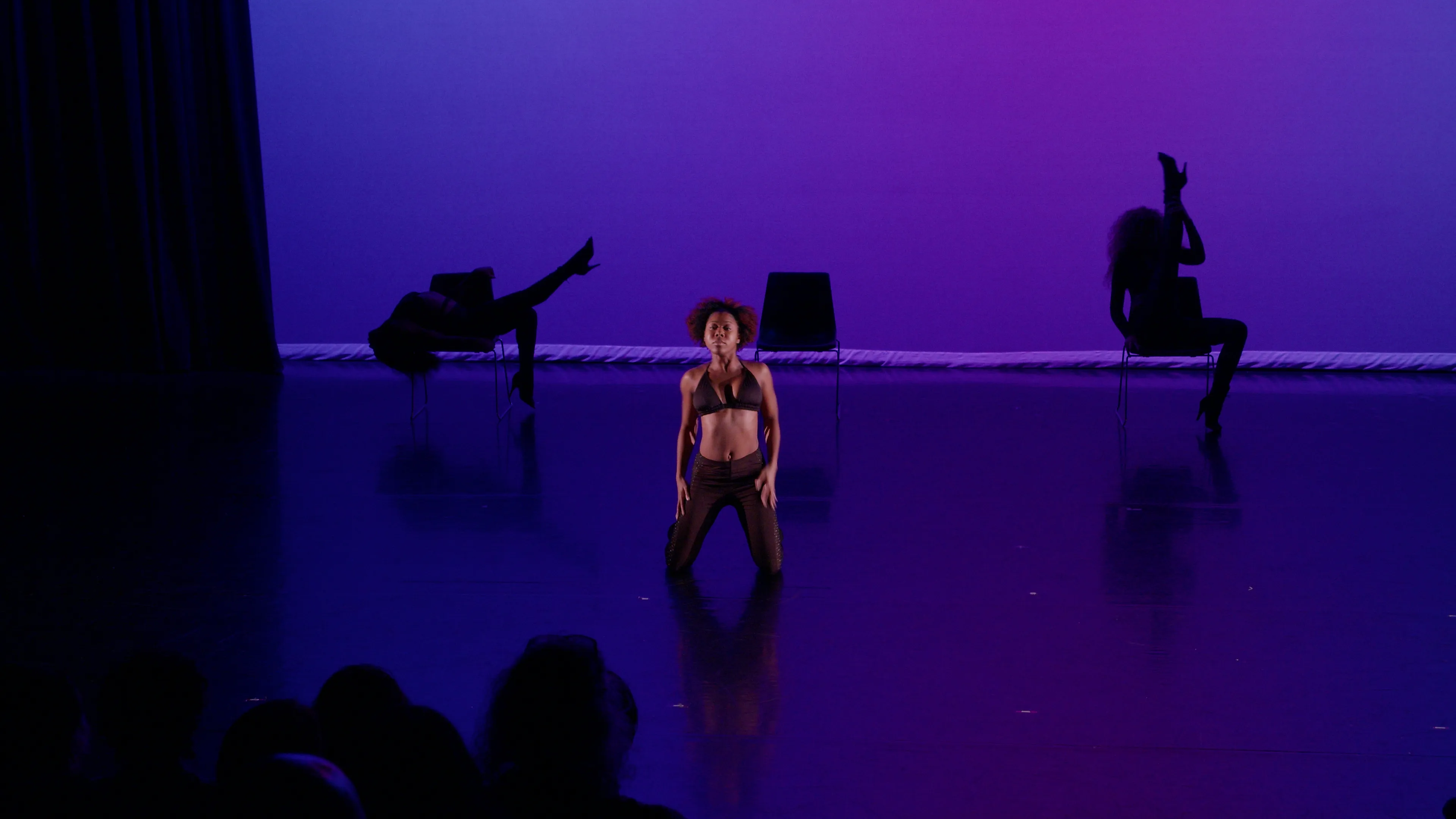
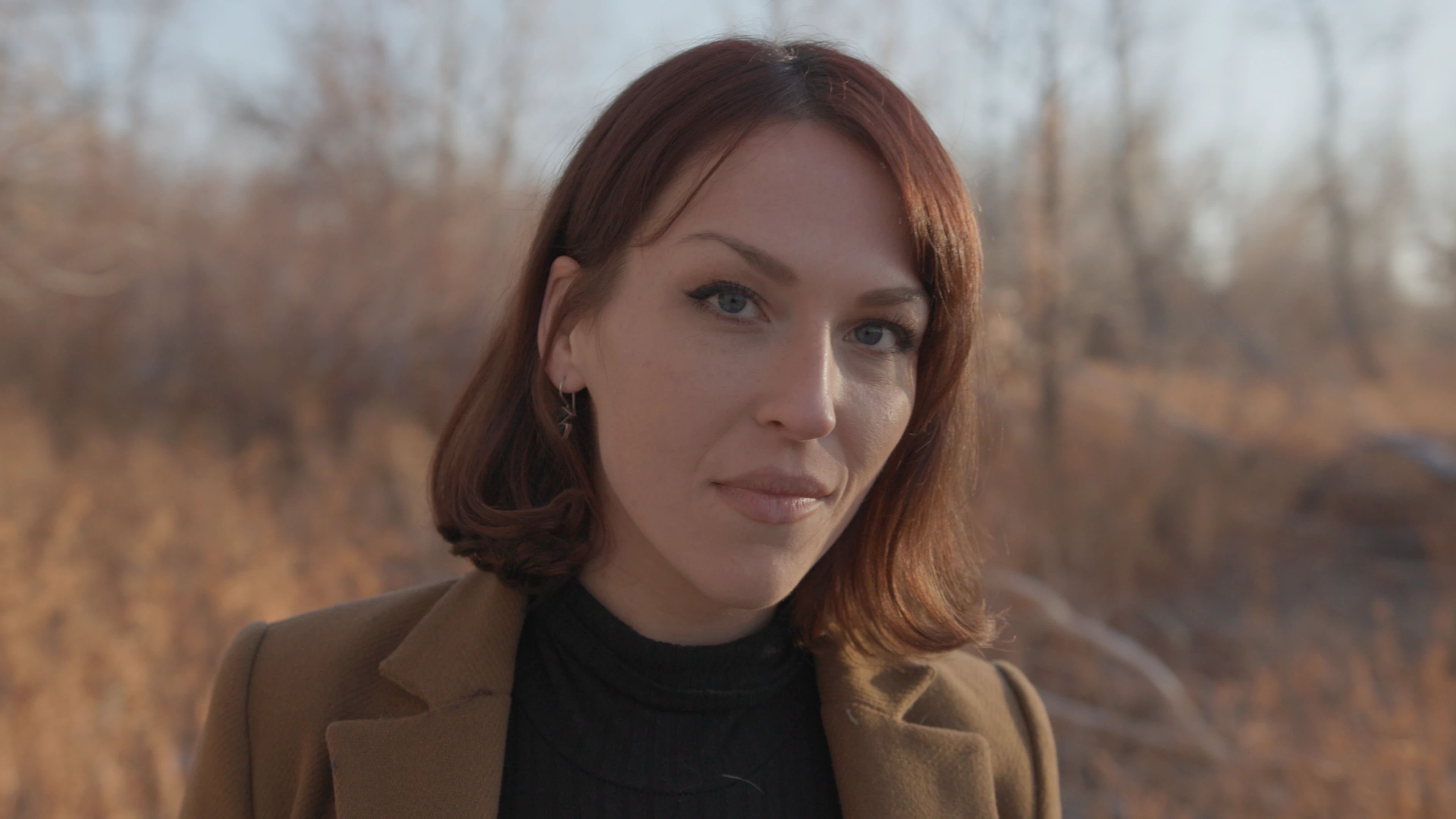
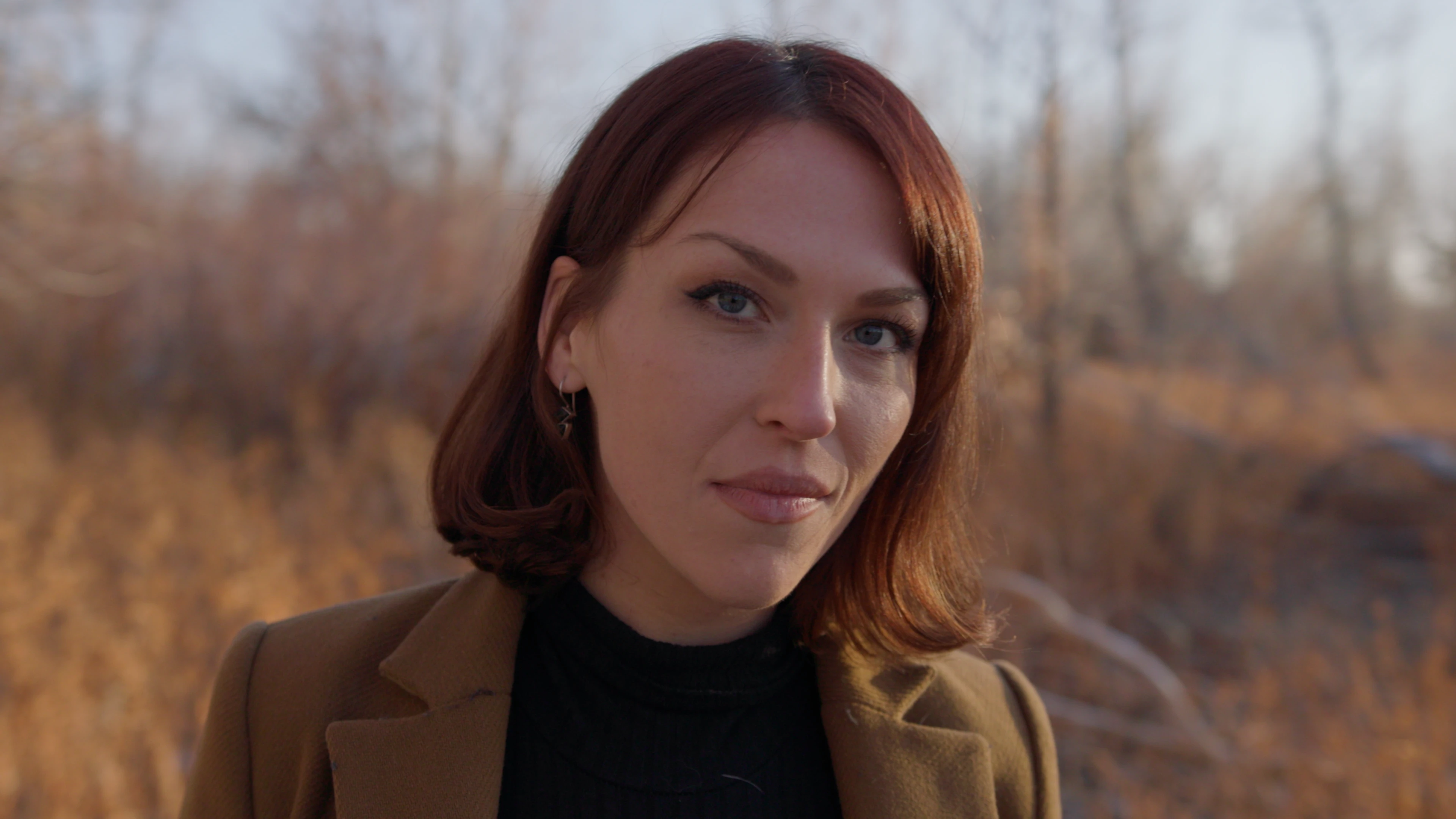
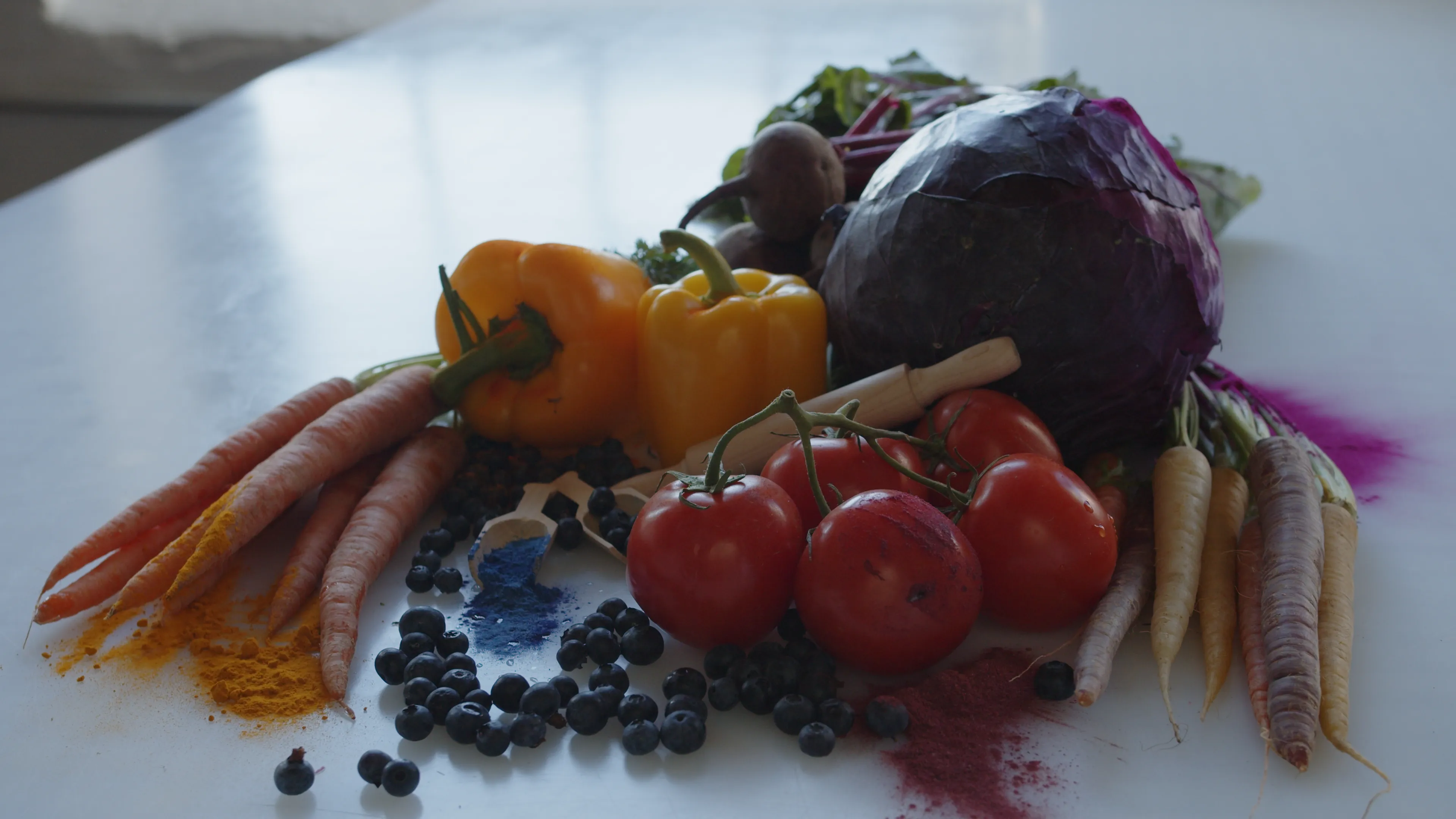
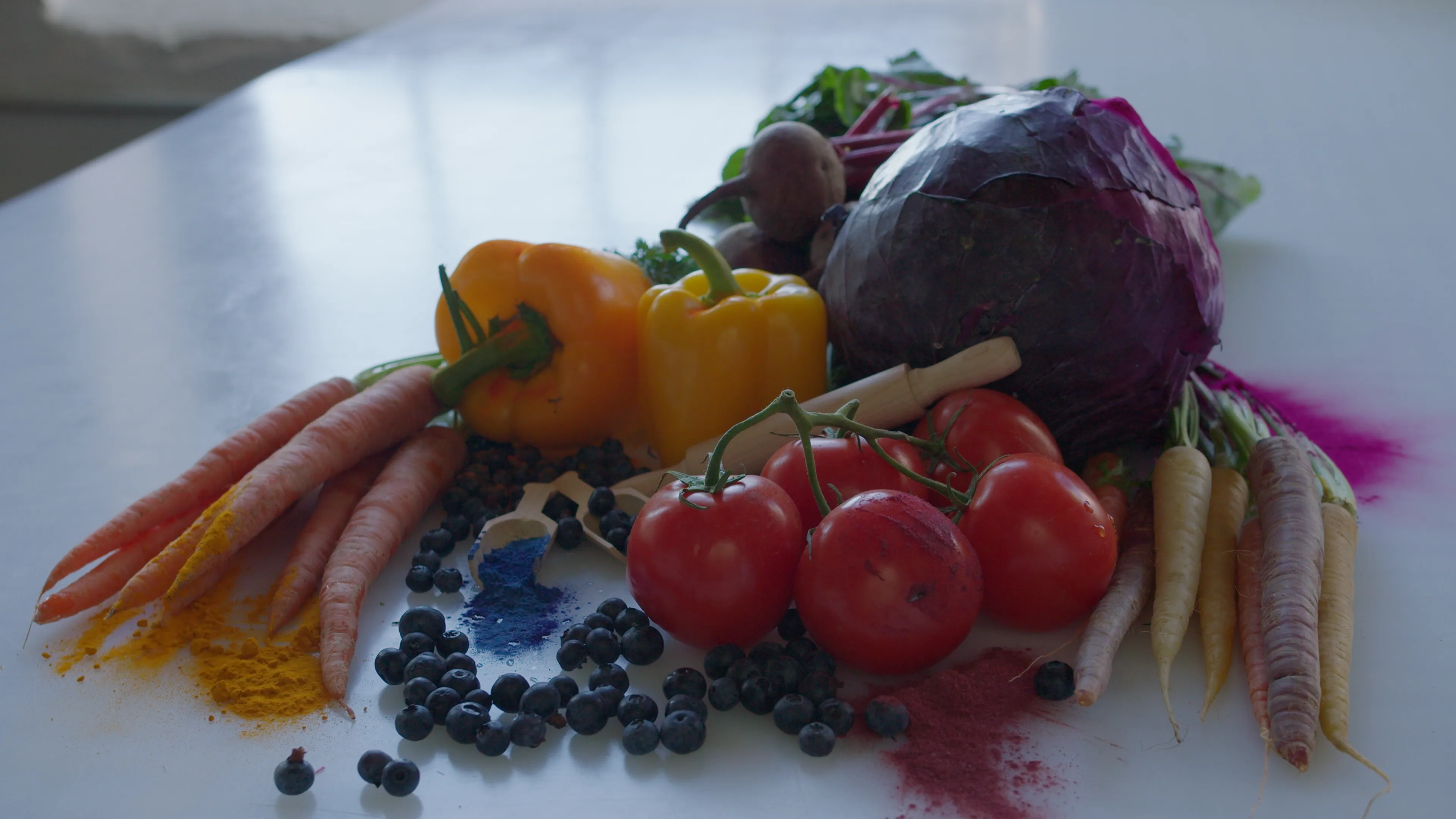
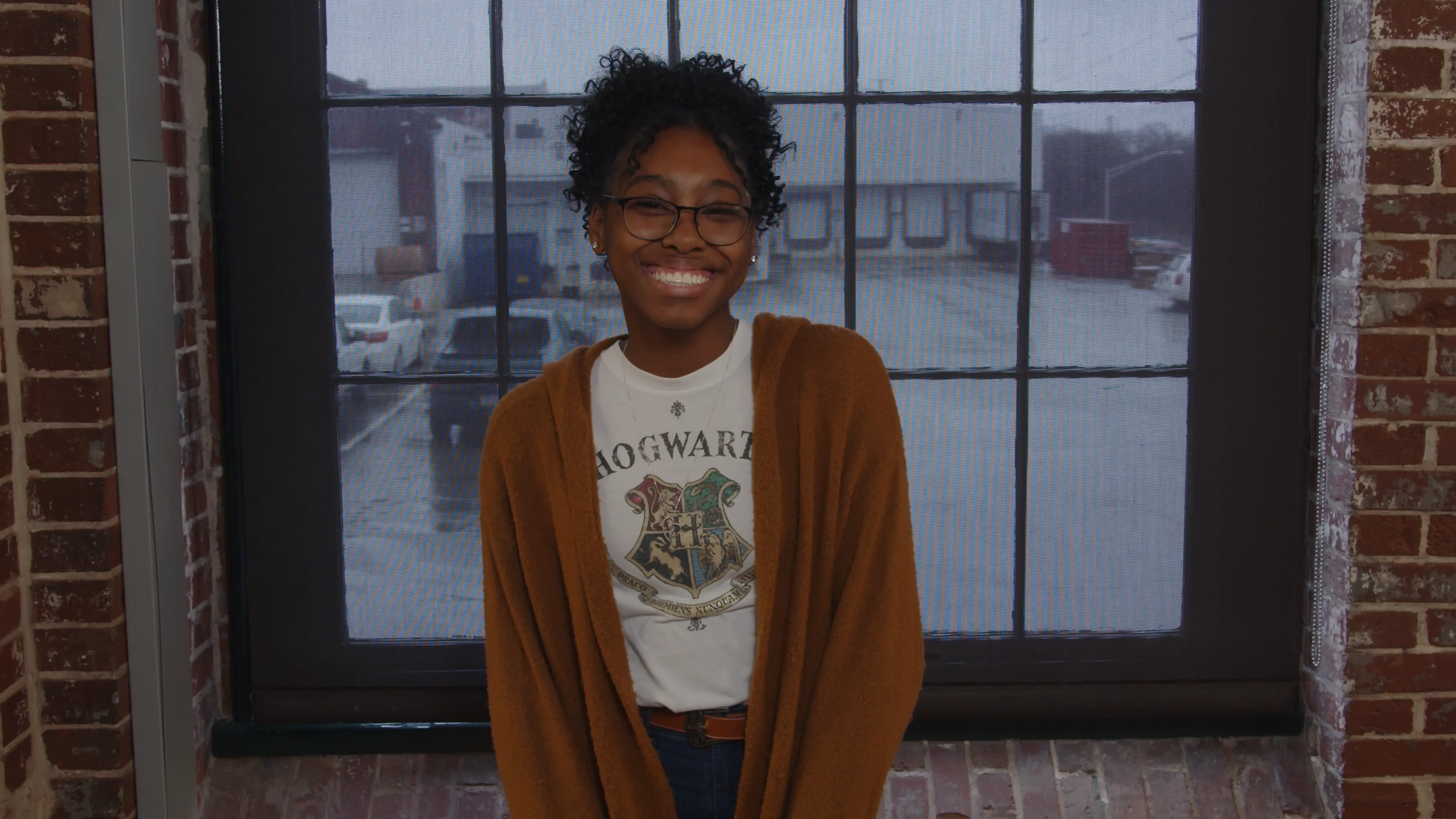
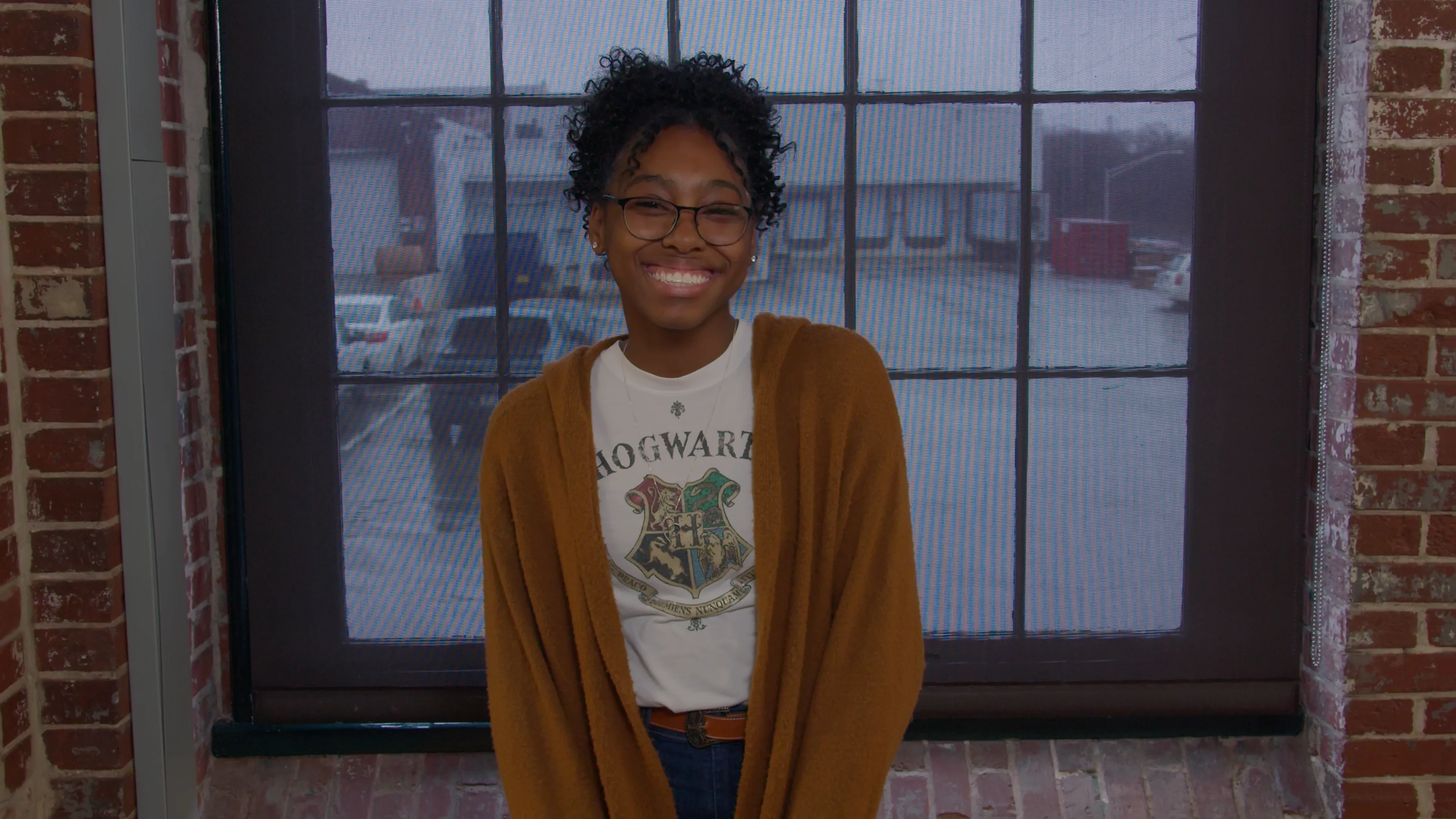
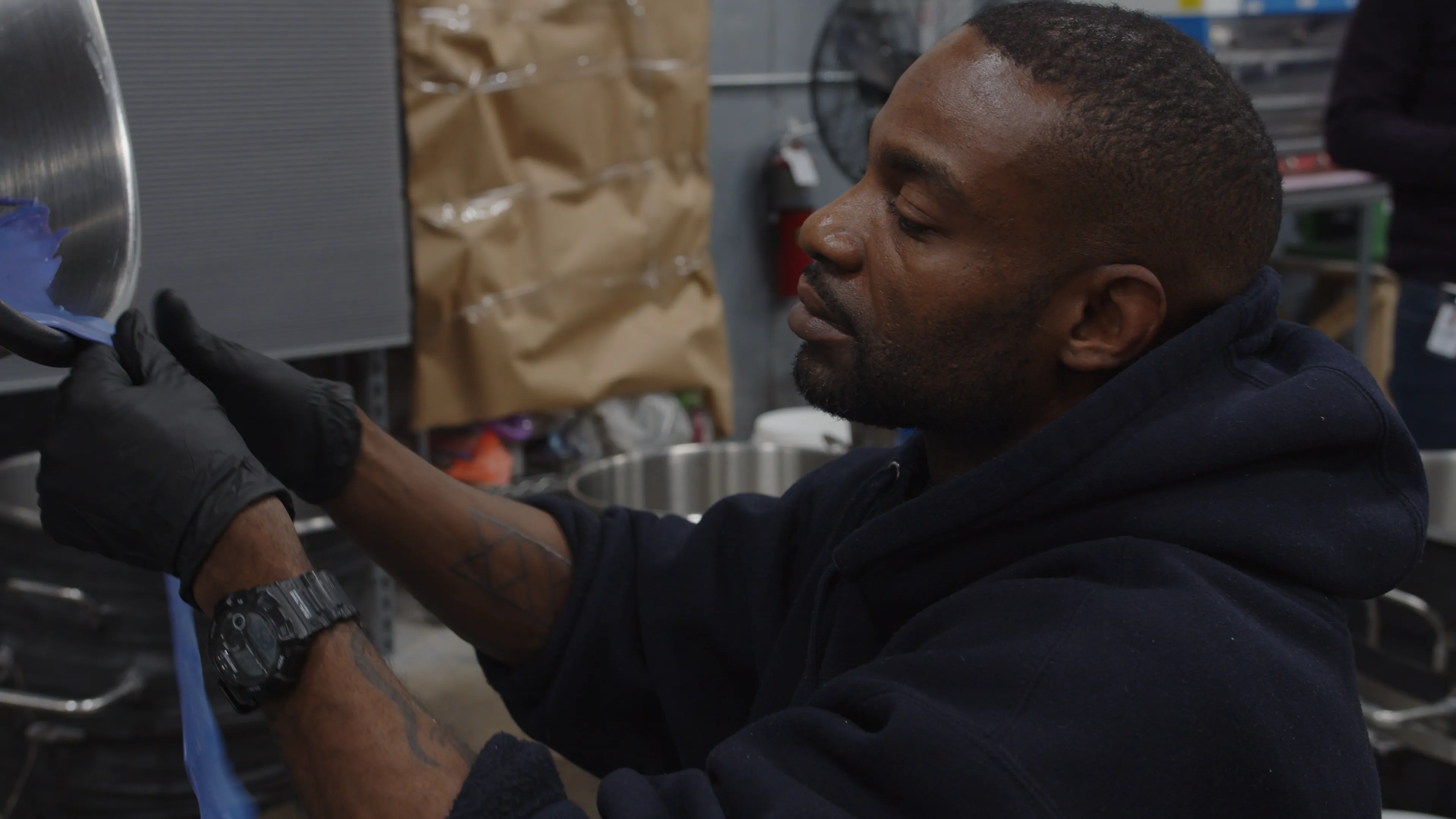
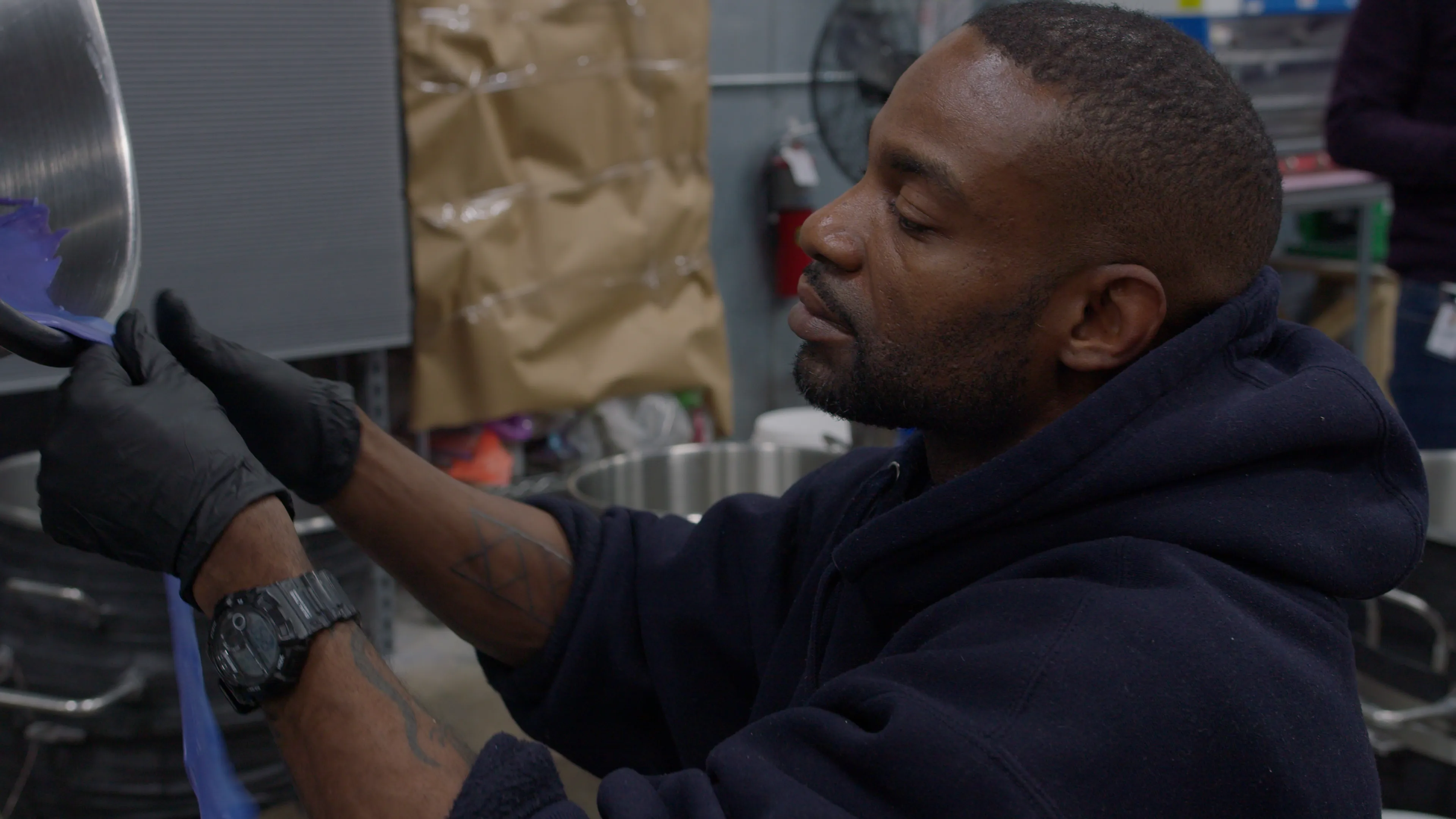
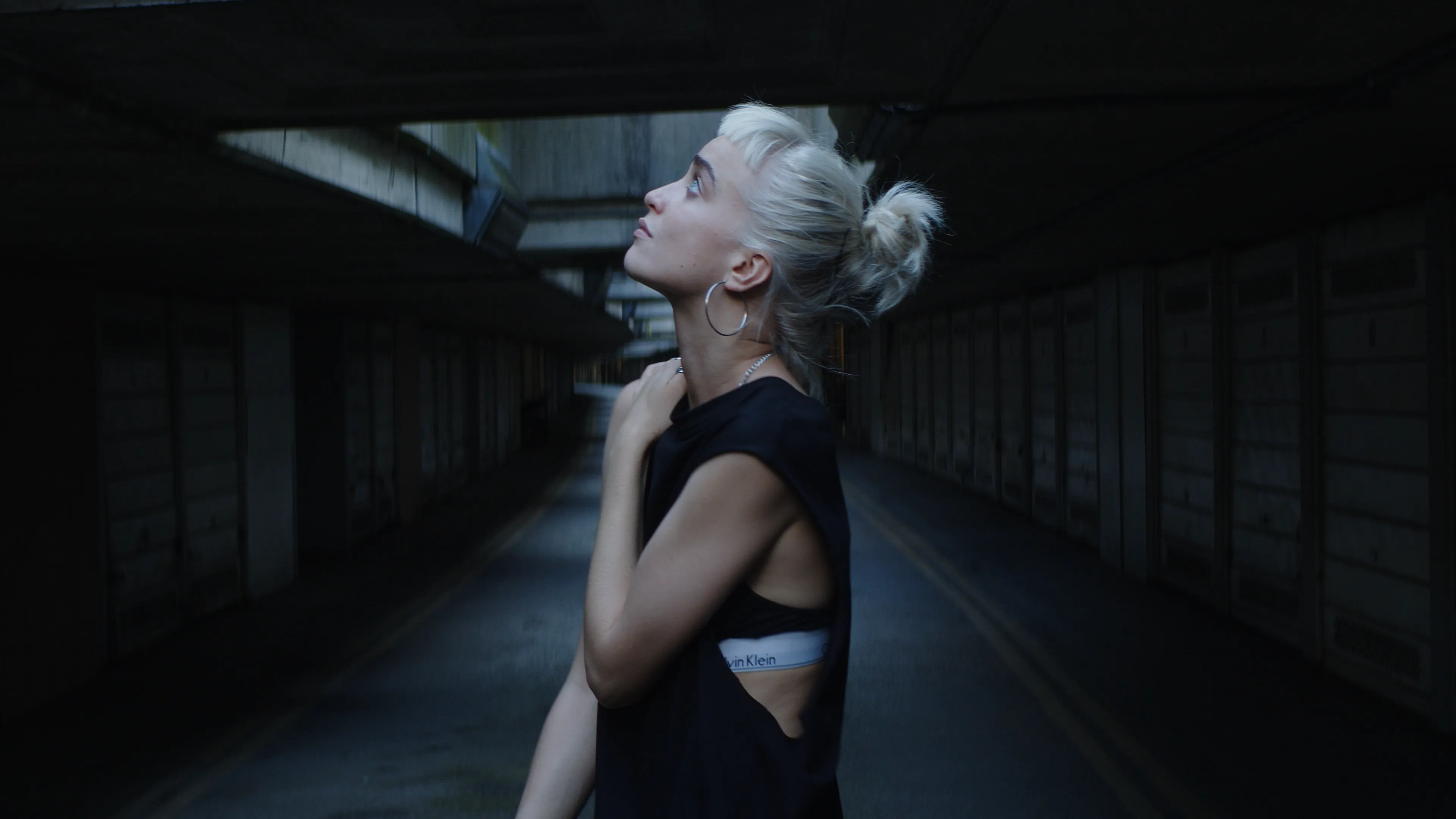
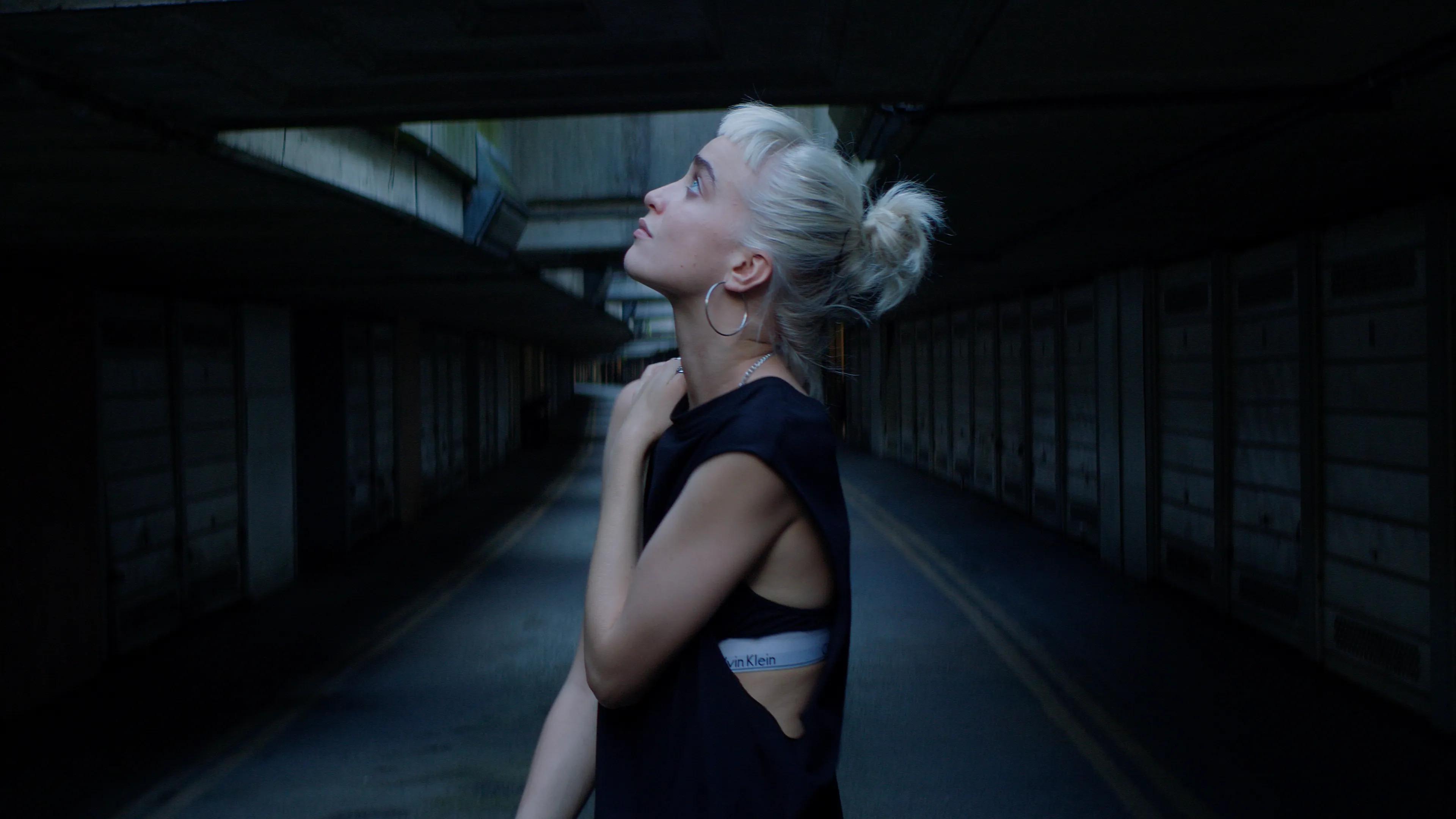
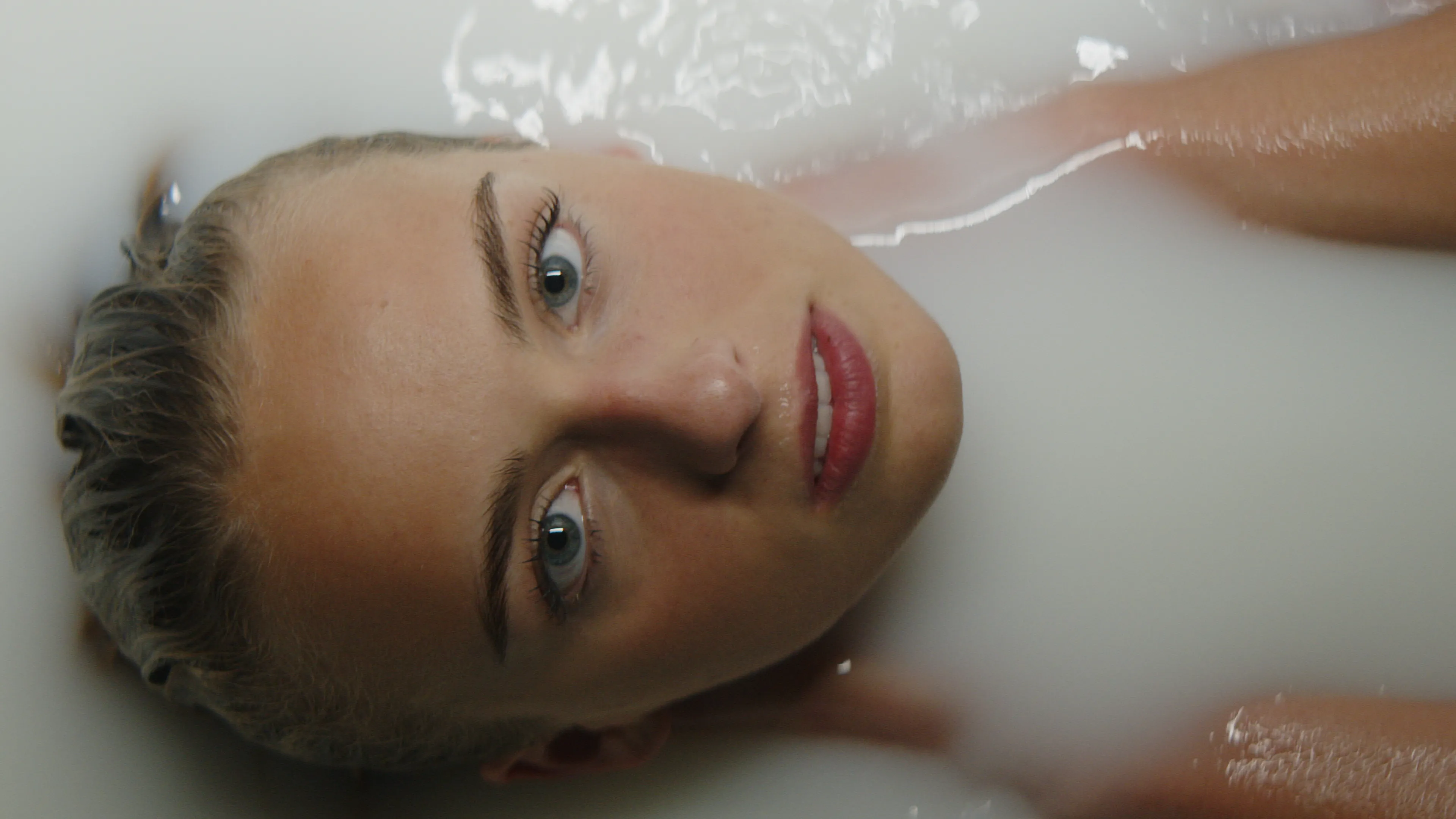
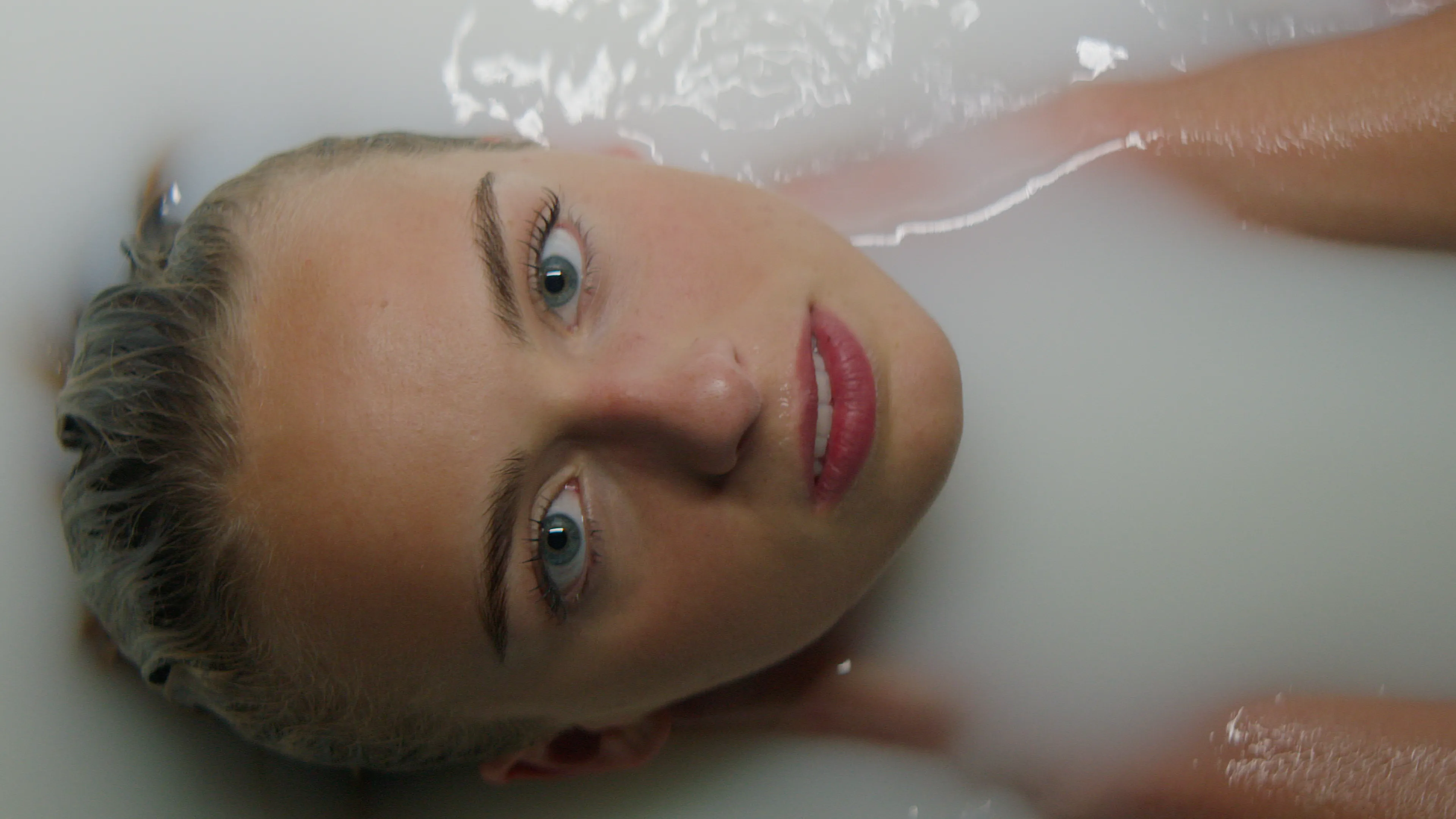
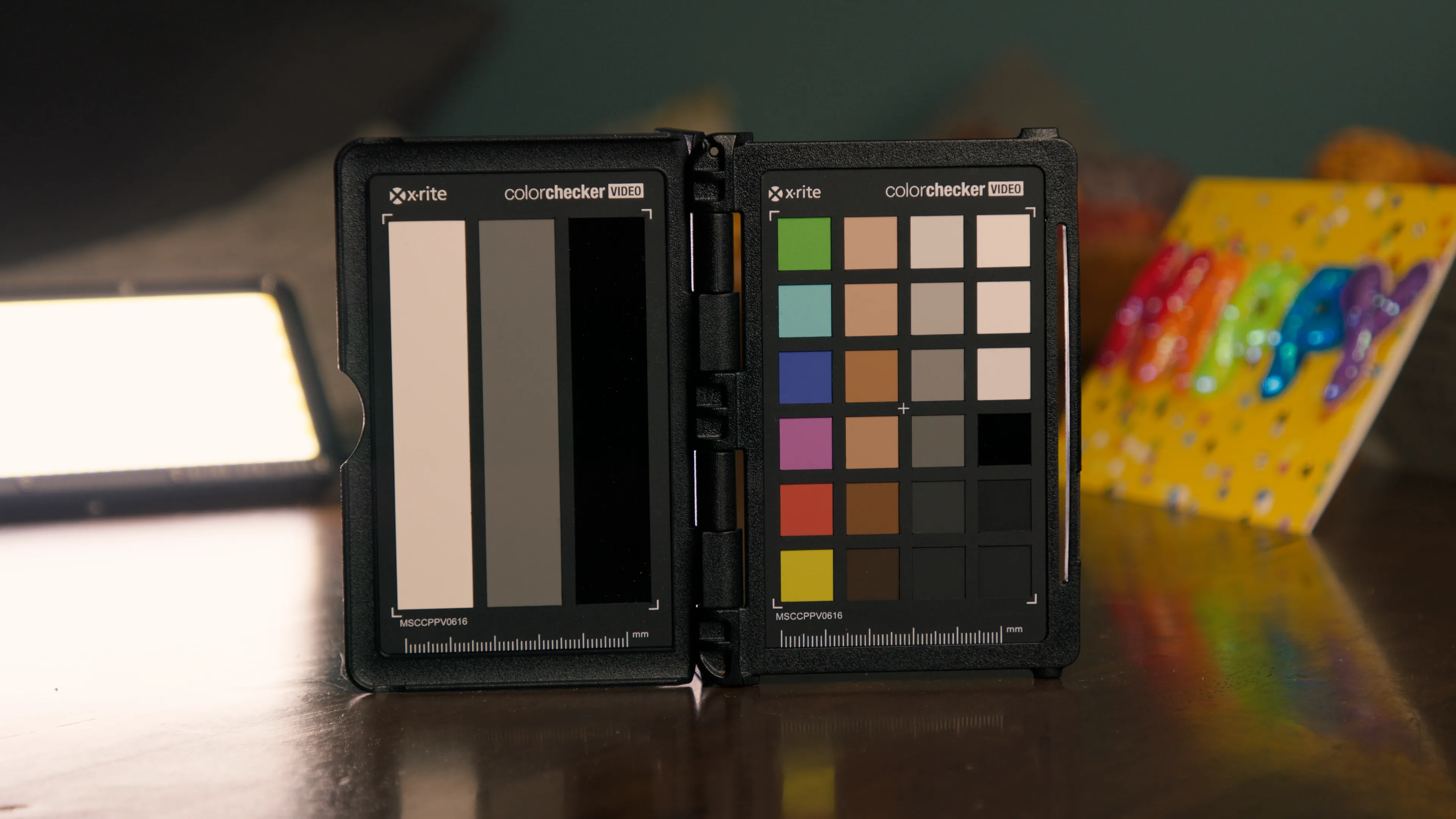
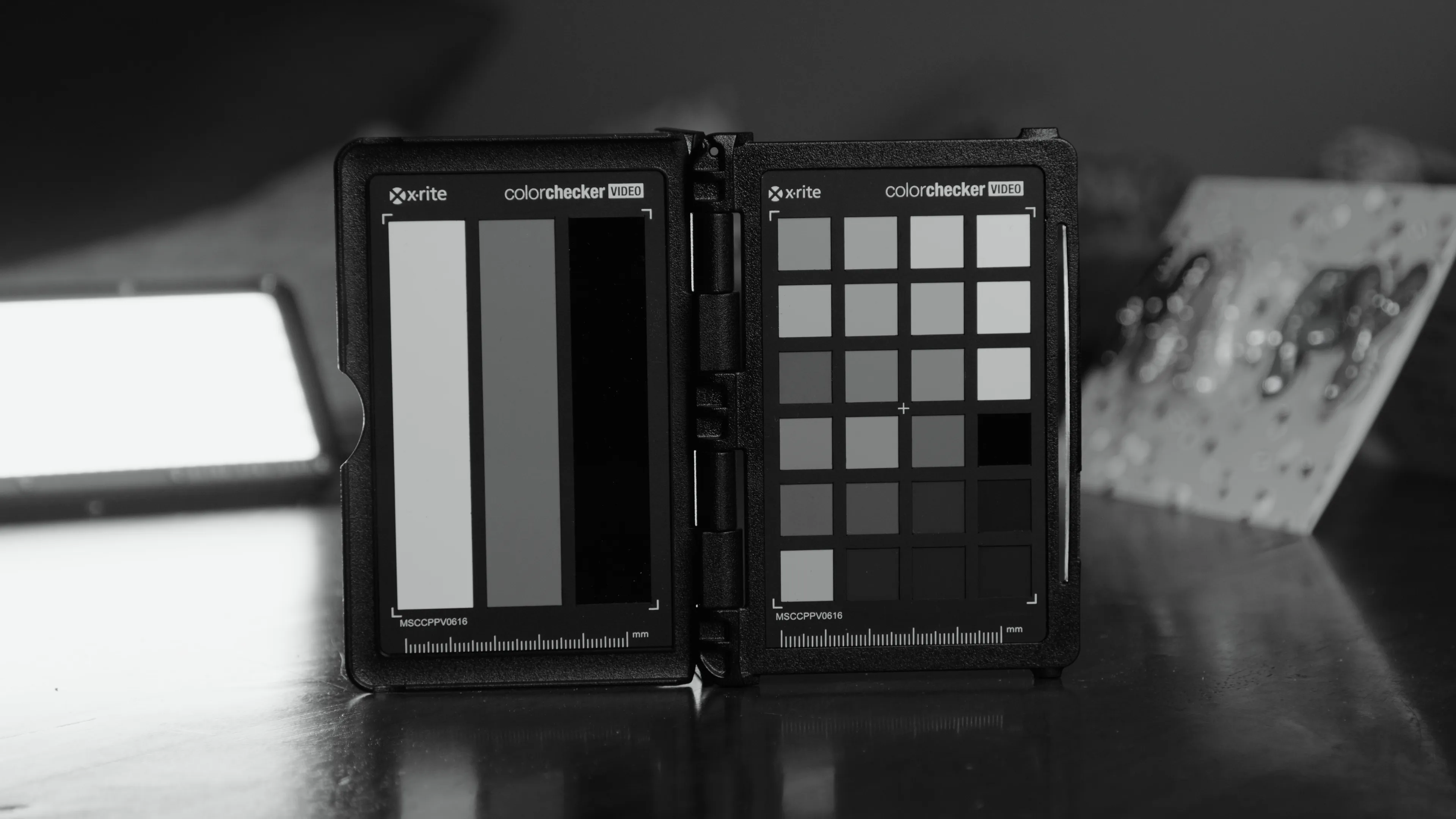
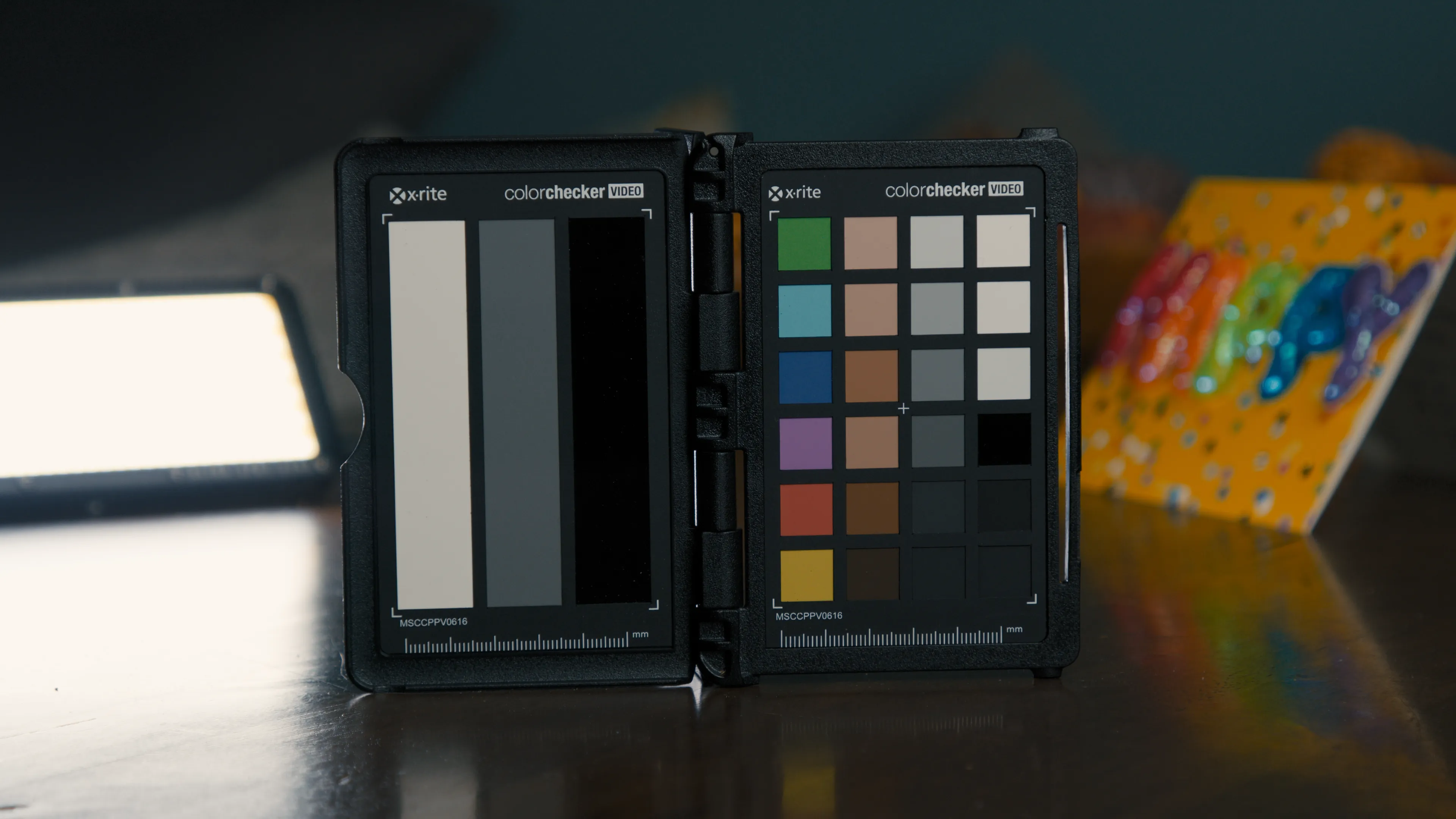
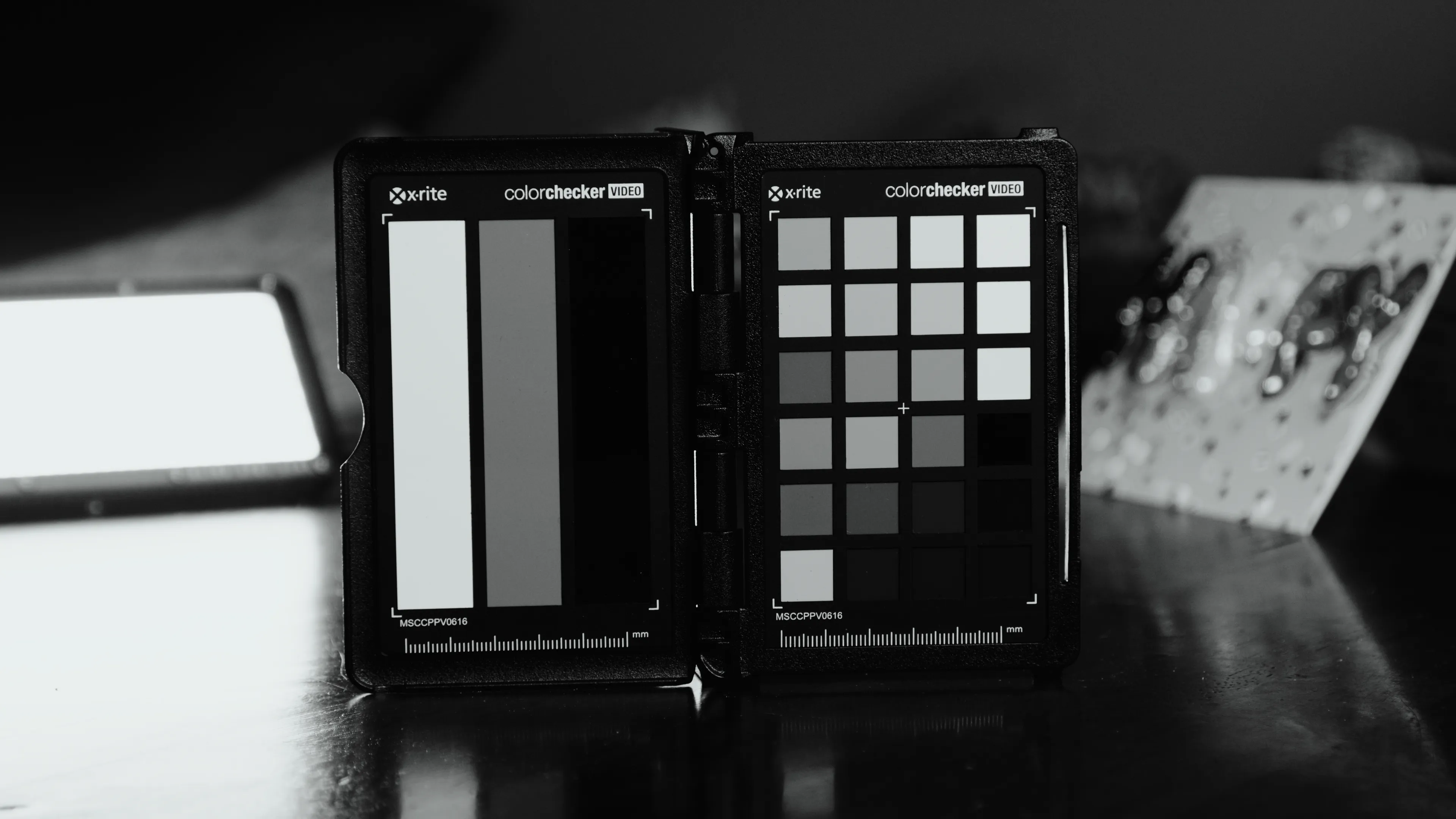
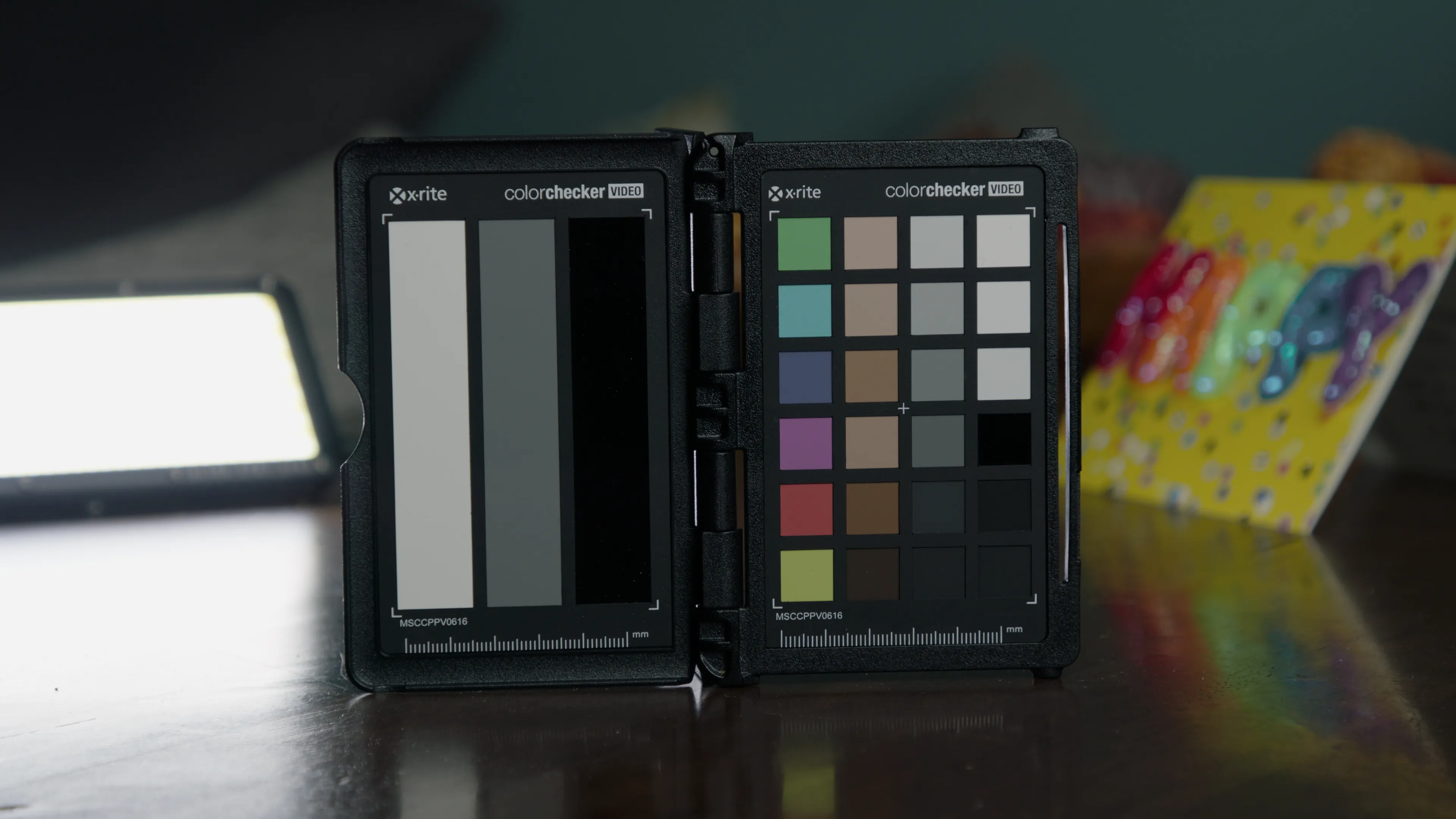
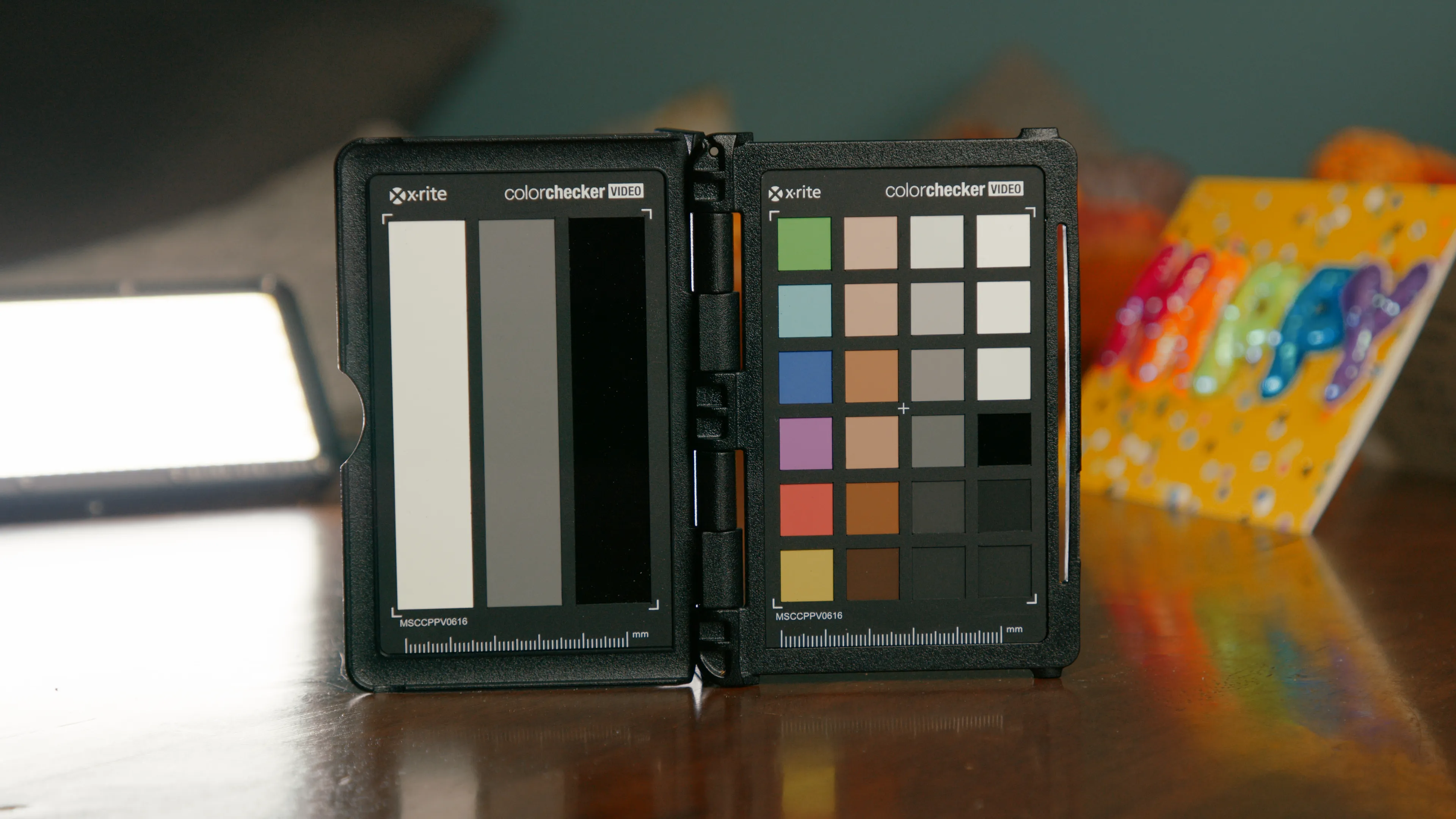
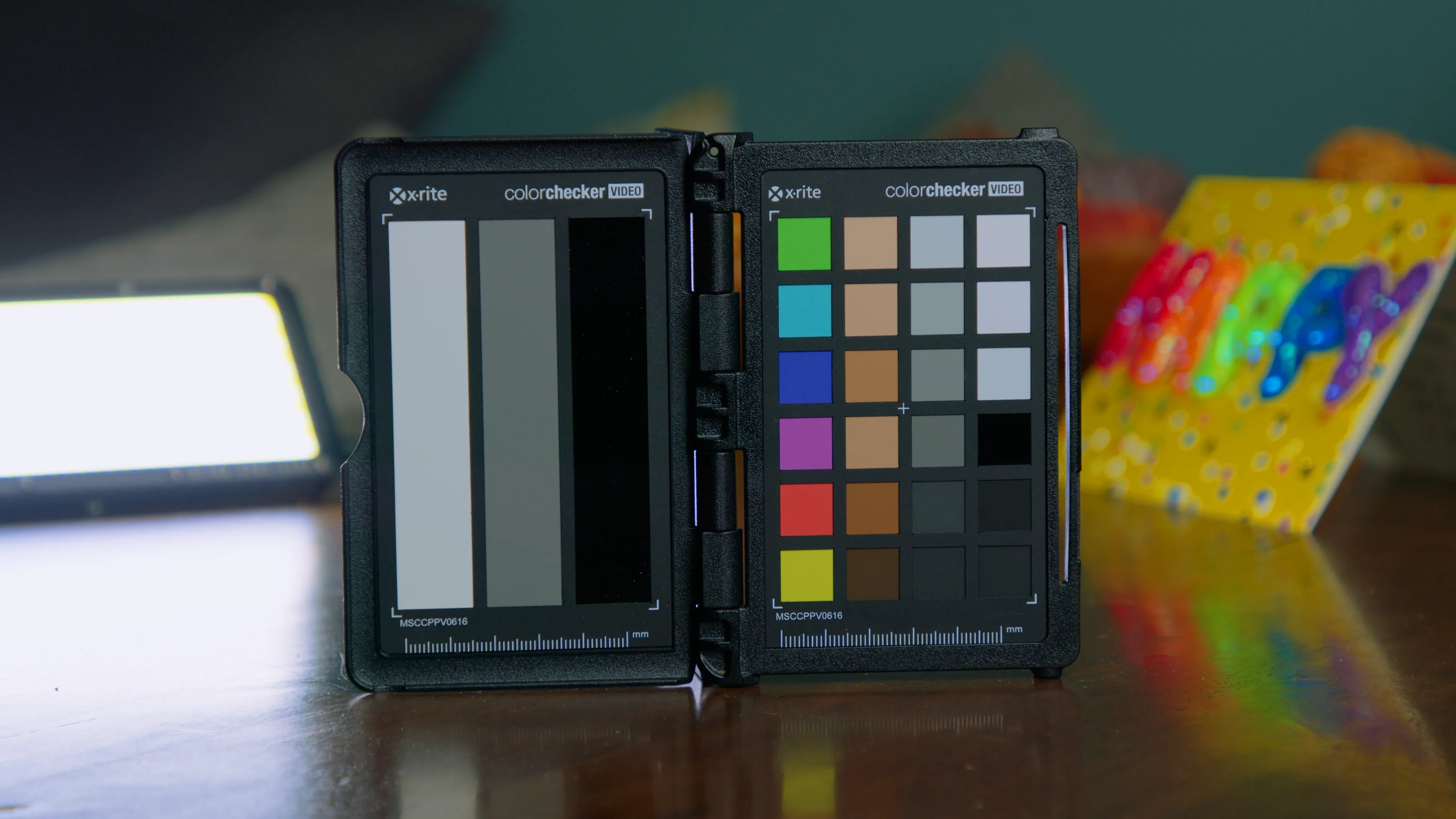
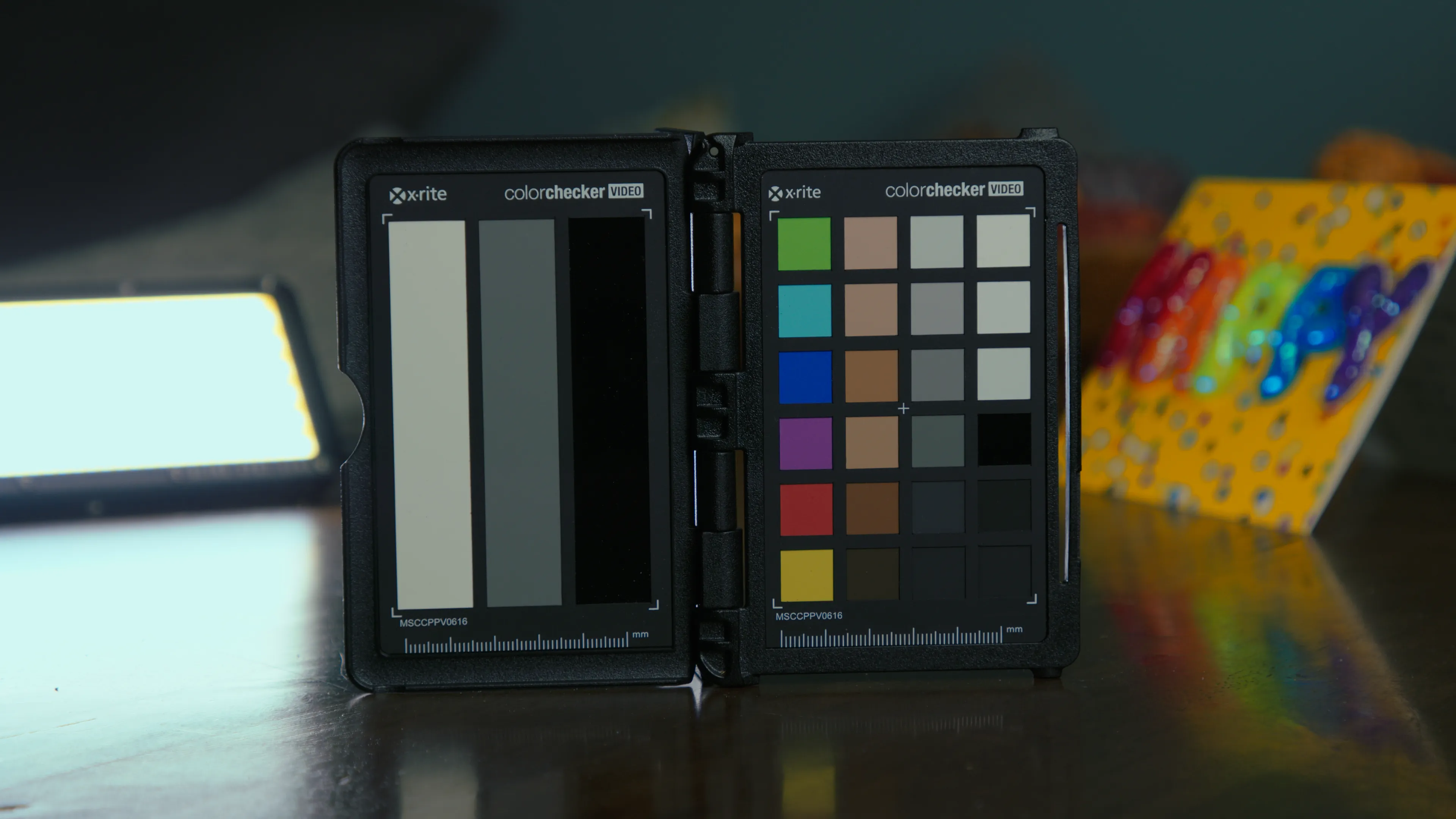
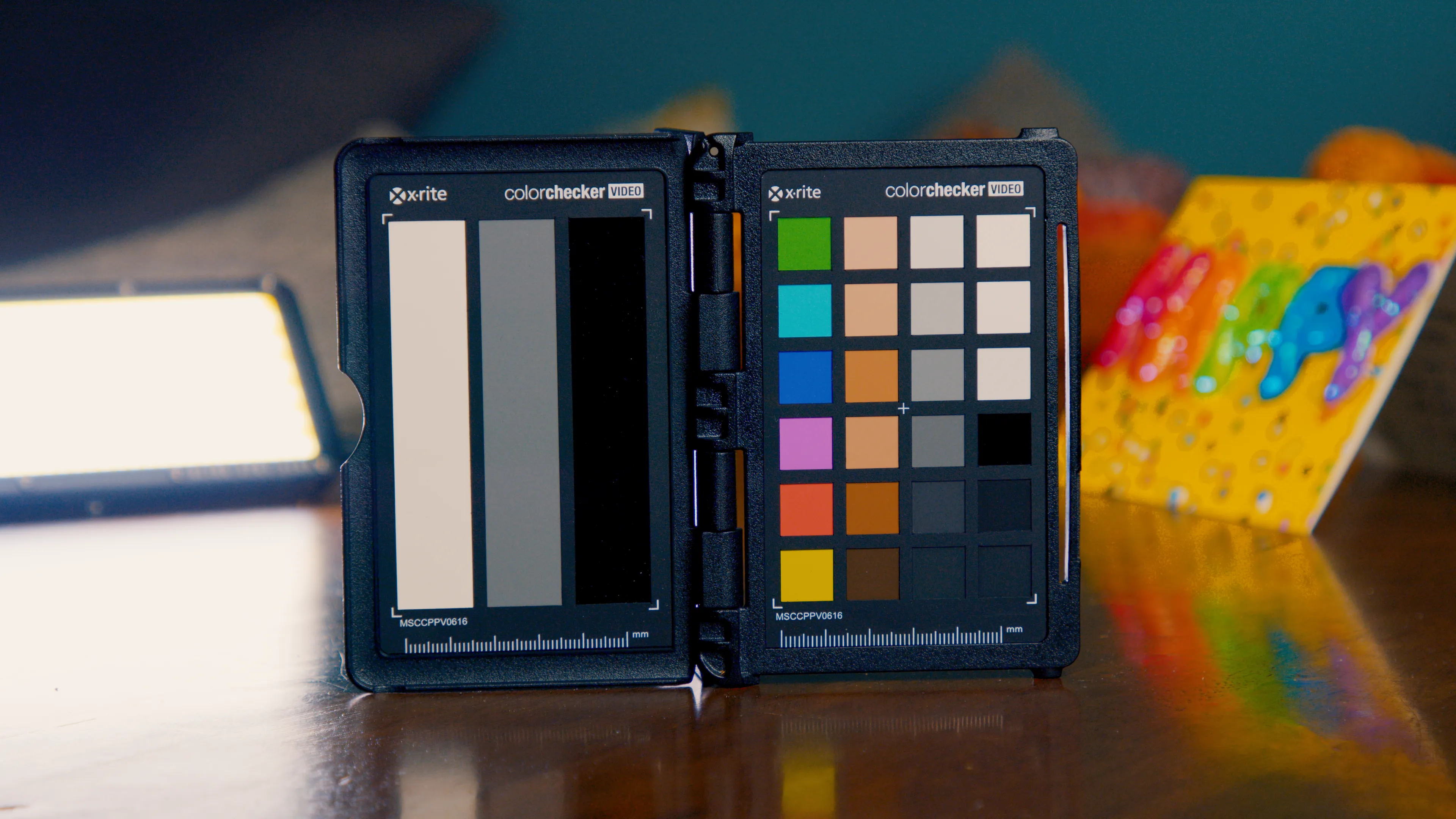
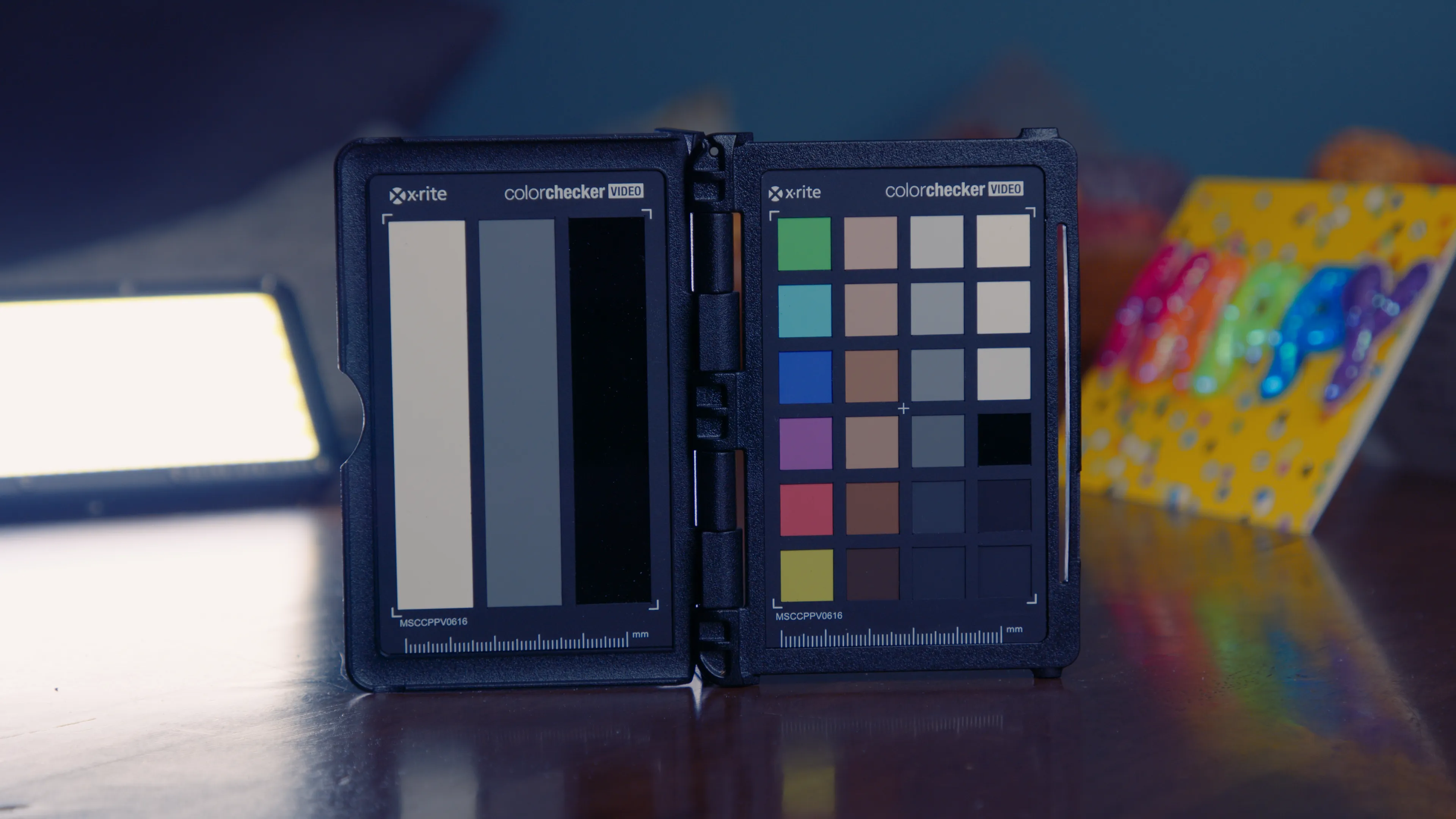
All of these examples were shot in either C-Log2 or C-Log3. On the left: Canon’s recommended LUT. On the right: Arch Pro Natural.
This isn't showing a LOG-to-Rec709 miracle like most do, this is comparing what you’d actually get side-by-side. The difference between good enough
and being there.






We've Got Looks For Days
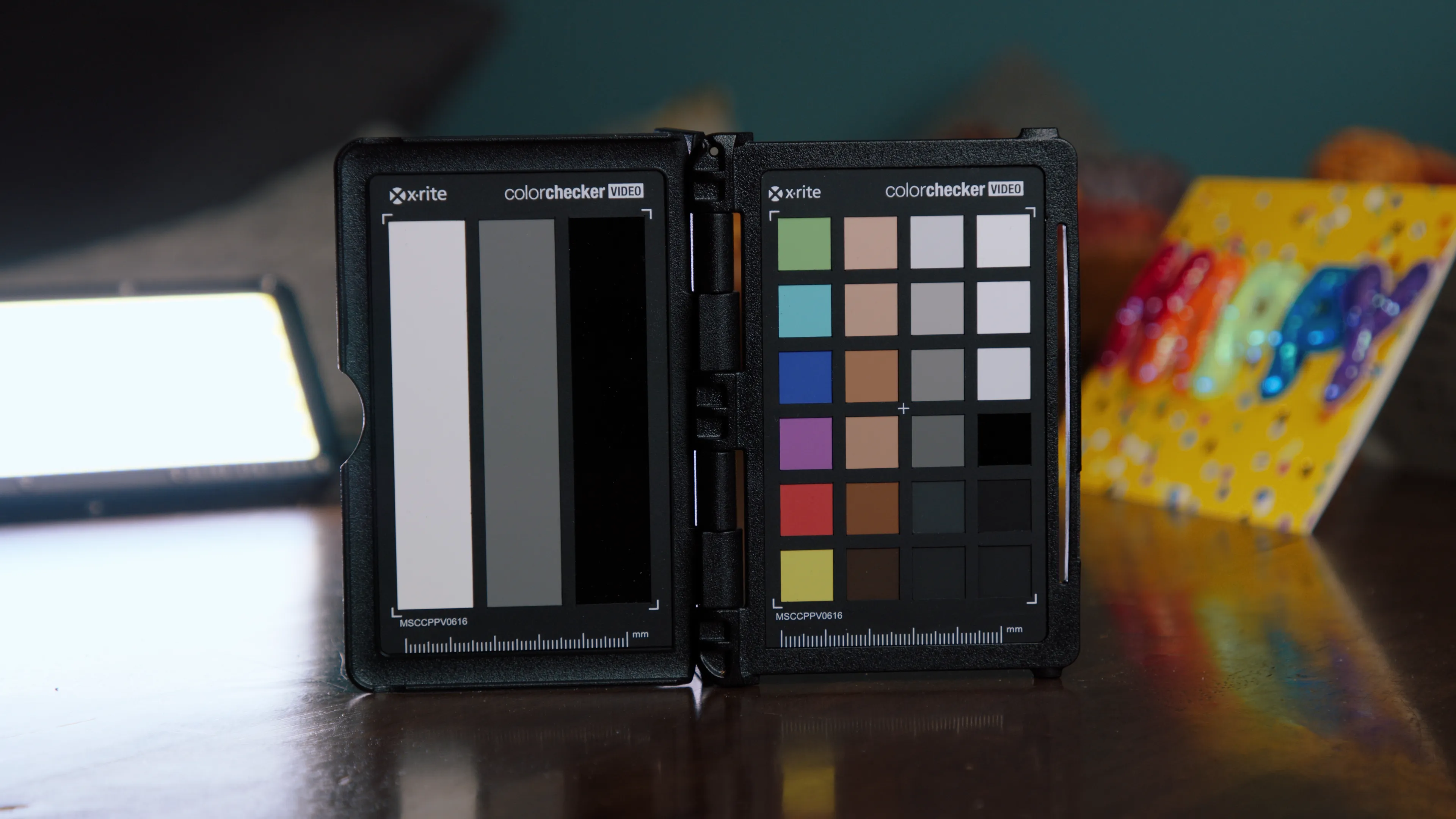
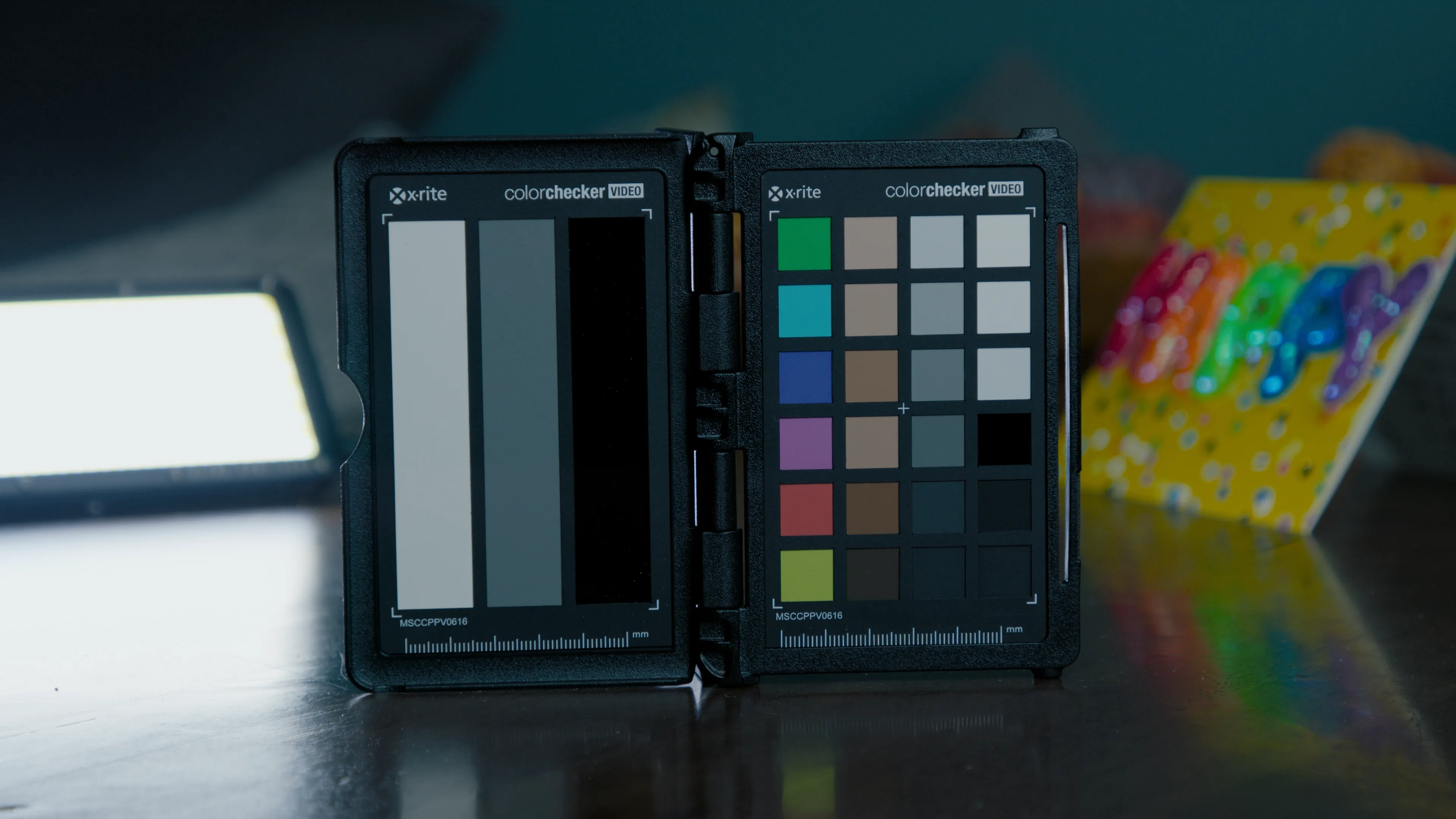
Arch Pro Plus gives you 12 distinct looks for your footage. Arch Pro Premium gives you the same looks with full DaVinci Wide Gamut support!
Meet your new favorite trilogy
Use this nifty chart to help you decide which flavor of Arch Pro is right for you.
Not sure? Start with Plus — it’s what ~70% of customers choose!
For your consideration
These are just a handful of teams that rely on Arch Pro for their productions.





The Critics Have Spoken
-
★★★★½
Very impressed overall. The Natural LUT is my default, but I've started using the Filmic version for narrative work as well. Great balance between speed and flexibility.
-
The Filmic option has become my favorite starting point. It's subtle enough that I can still shape the image the way I want instead of feeling locked into someone else's look.
-
The fact that these are built around specific camera profiles really shows. I shoot on Sony and Canon depending on the client, and getting both systems into the same ballpark has been much easier with Arch Pro.
-
What impressed me most was how consistent everything looked between different lighting situations. Instead of rebuilding my grade every time, I could start from the same place and make small adjustments from there.
-
★★★★★
Excellent LUTs. I bounce between commercial work and documentaries, and they've held up well in both. They give me a clean, cinematic image without feeling like they're fighting the footage.
But Wait, There's More!

The top priority of this LUT is to make skin tones—of all shades—look remarkable.

Between shooting midday weddings & music festivals, I've mastered the art of the highlight roll off!

I always find myself tinting towards magenta in-camera, so I set out to fix the green channel!

Gives you a very robust starting point that holds up to heavy grading and effects.

Yanno how the Extended Video LUT just kinda looks like mud? Well, kiss that look goodbye!

Compatible with any application that supports LUTs on Windows, Mac, and iOS.

As new LUTs are developed for the set or Canon Color Science evolves, you'll get updates for free!
Grab One or Grab Them All
Select your Canon camera, choose your tier, and then enjoy all of the aforementioned benefits that Arch Pro has to offer. Covering both Canon R-Series and Canon C-Series cameras. Want them all? Select the matching series bundle to cover the entire lineup.
Frequently asked questions
You can still totally email, but maybe one of these greatest hits will answer your question.
Literally any software that supports LUTs! Adobe Premiere, Final Cut Pro, DaVinci Resolve, Vegas, LumaFusion, and CapCut. Even streaming software like OBS, vMix, and StreamLabs are supported by Arch Pro.
While the Natural LUT in this version of Arch Pro is made specifically for the corresponding Canon C-Series and R-Series cameras—the Filmic, Vibrant, and Film Look LUTs are universal REC709 LUTs that can be used with any footage.
You can by reaching out to support@archpro.studio. Please note that because I personally rent and shoot with every camera I support, the creation of an unplanned LUT can take some time. That said, it also helps if you provide me with sample footage for the pretty extensive testing process.
Reach out to support@archpro.studio and we'll hook you up.
This site is dedicated to Canon C-Log — here's the full Canon lineup it covers: